You all know that I’m a huge scrapbooker, I love it. So I was so excited to try out this software to help me with my scrapbooking (which isn’t happening right now). I was so surprised by how easy it is and how much you can do with it. It’s so fun! They have a ton of different papers and embellishments!! Plus, they even have free ones that you can download!
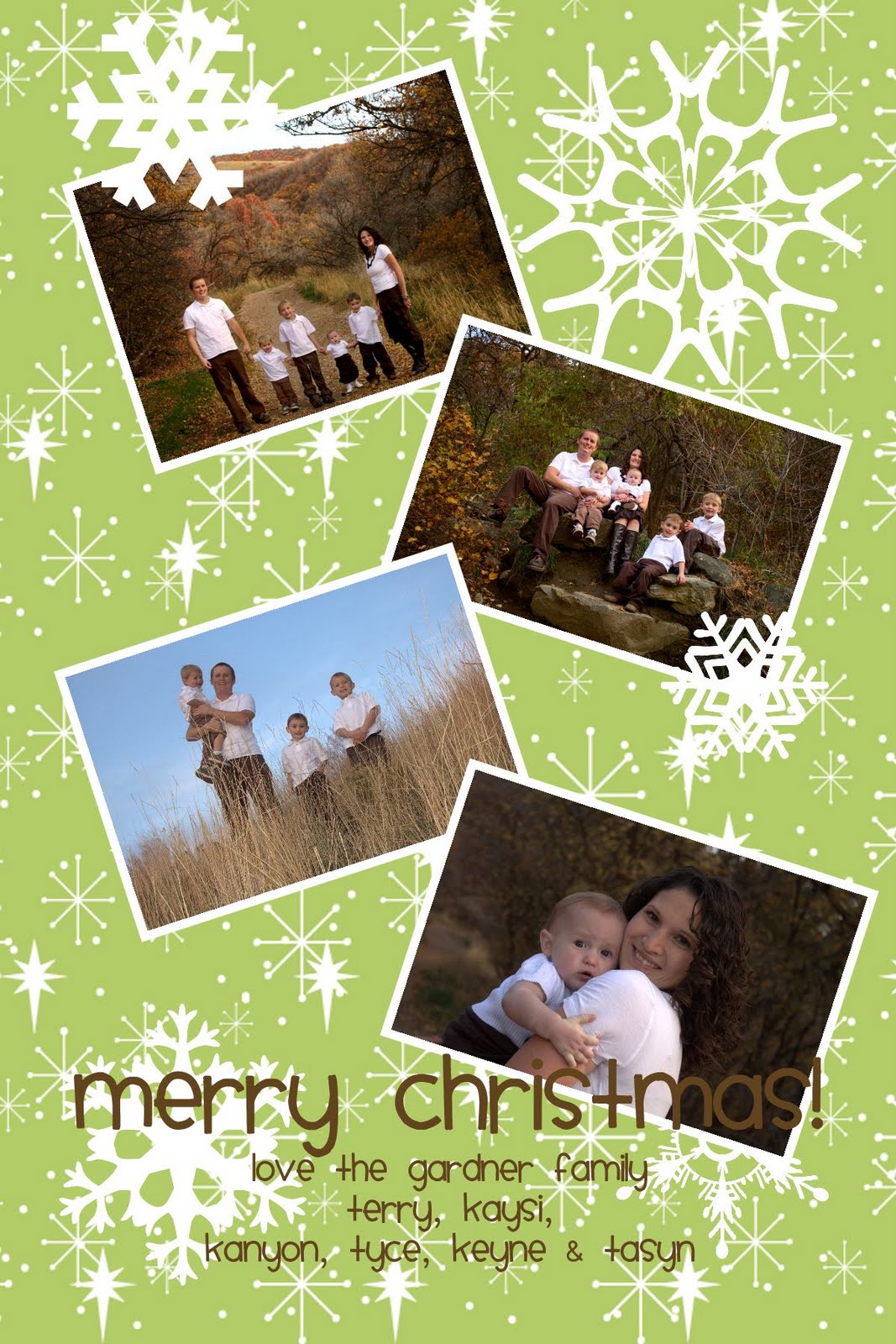
So here is the Christmas card I created for my Christmas letter.
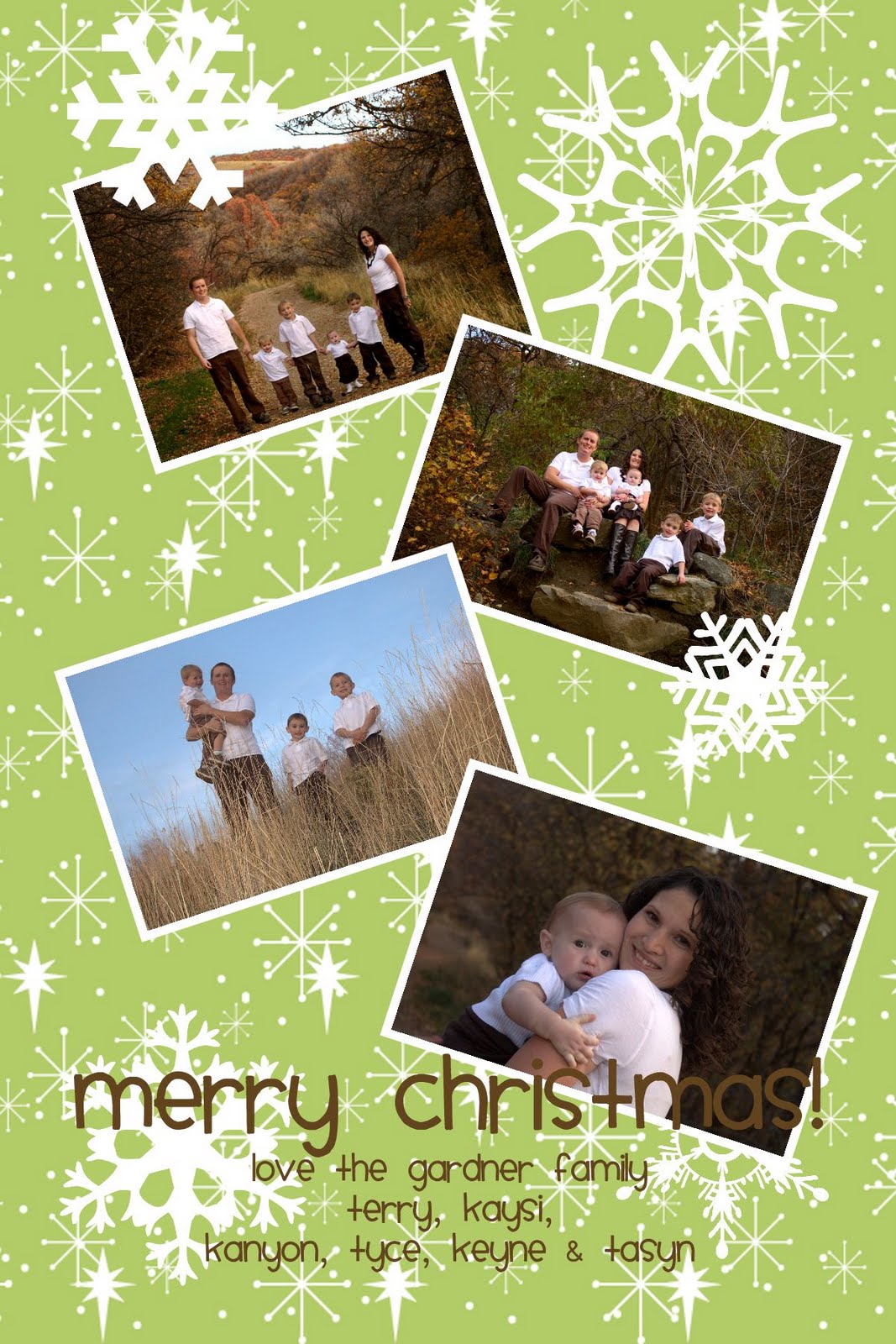 This is how I made it:
1) I opened the My Memories Suite and set up a background that was 4×6
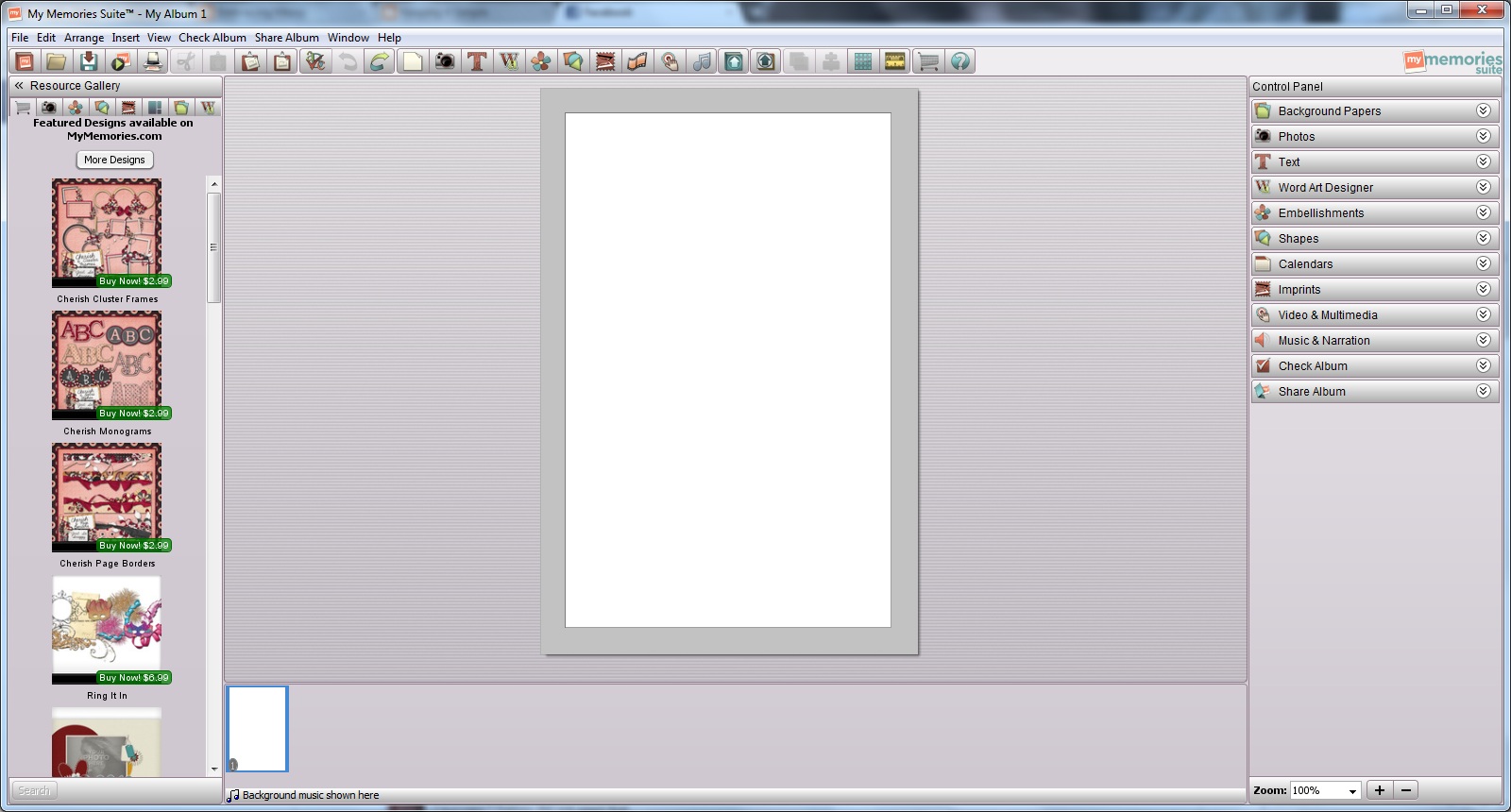 2) Clicked on the background tab and then the purchased button. I found the paper that I wanted.
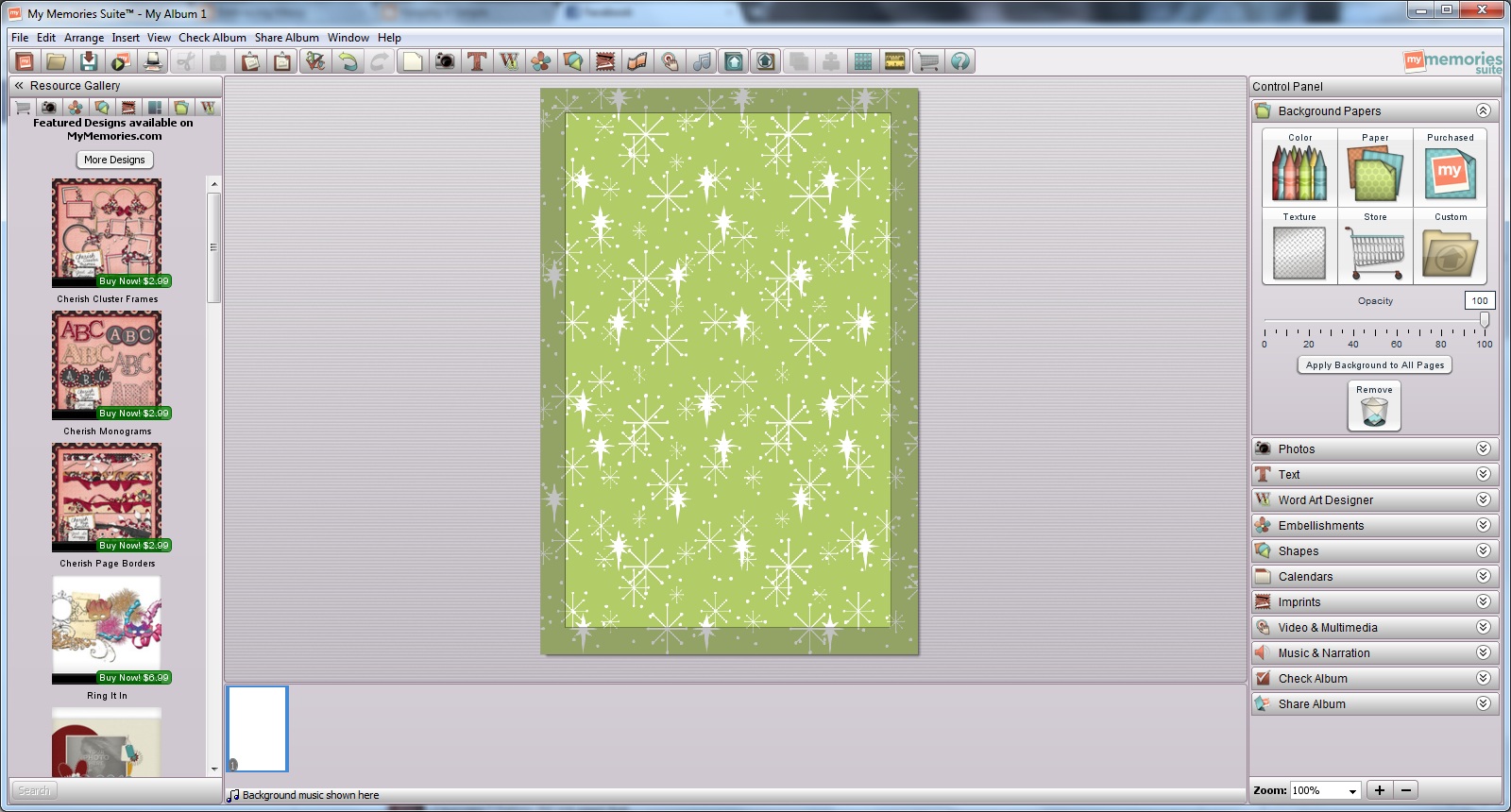 3) Next I clicked on the add photo tab. I uploaded our family pictures and then added a photo. You can even crop the photos!
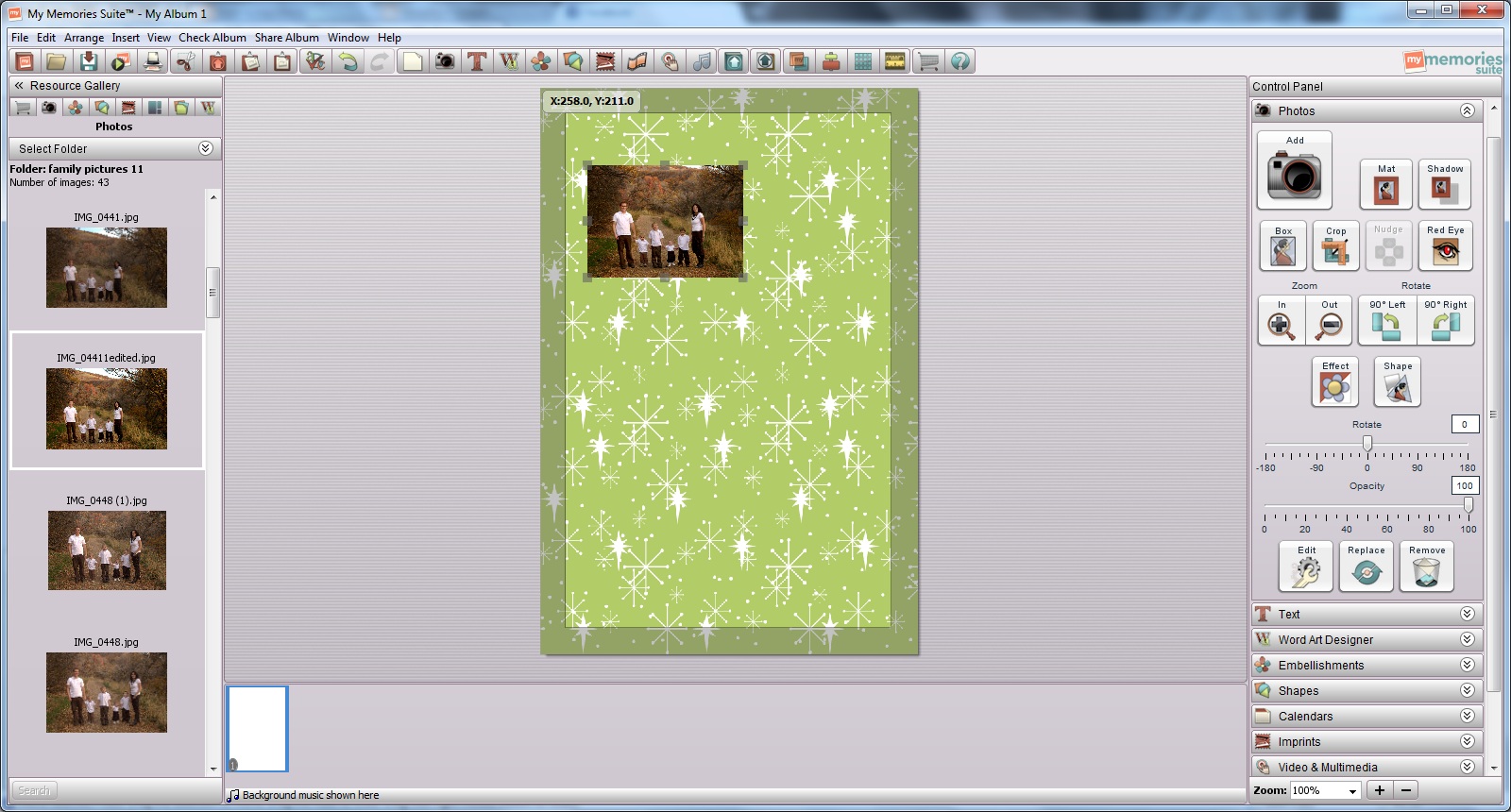 4) I wanted to add a little to the photo, so I used the mat button and then rotated it just a little bit.
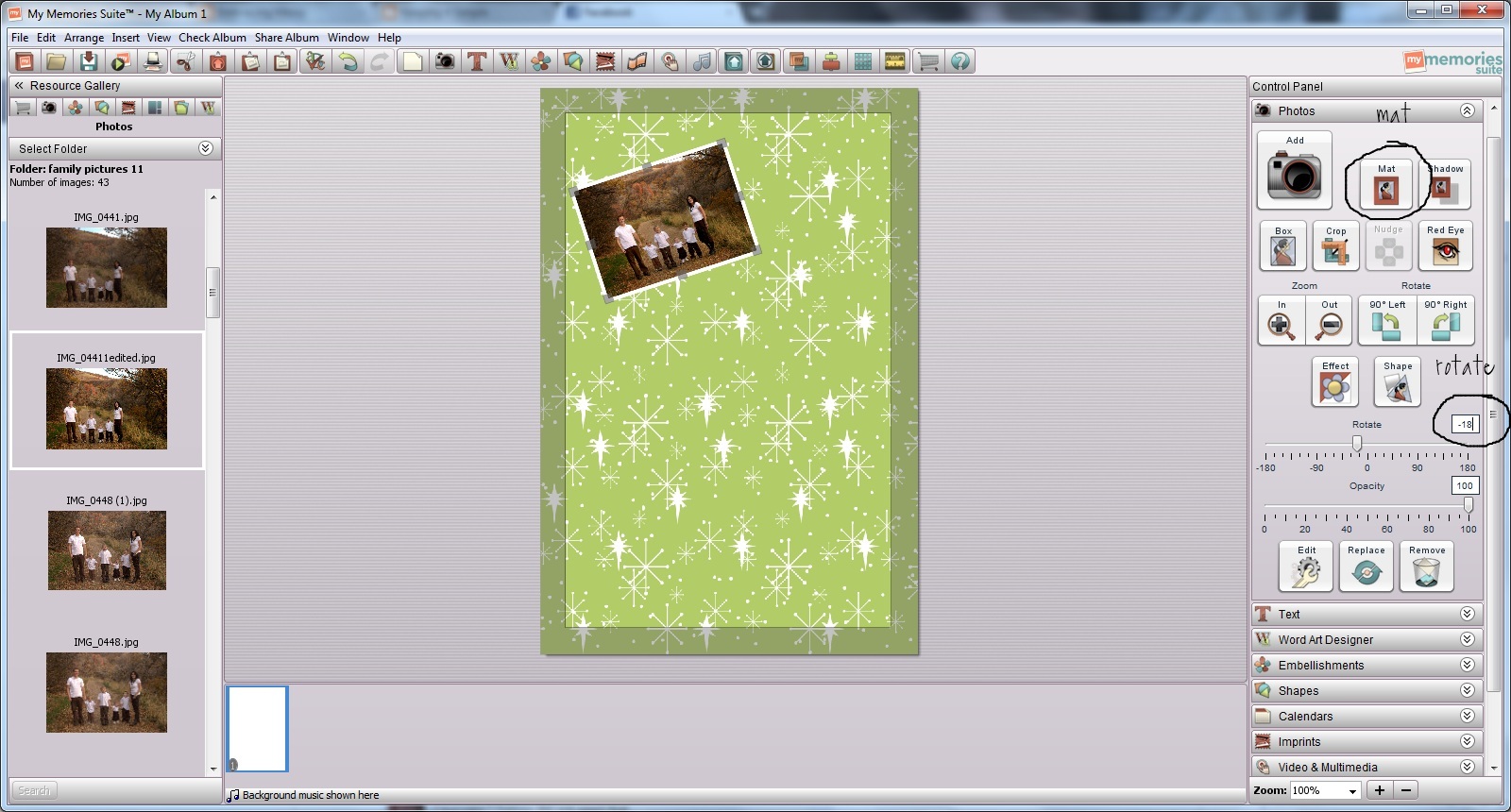 5) I then added three more pictures. And then added some text but clicking on the text tab.
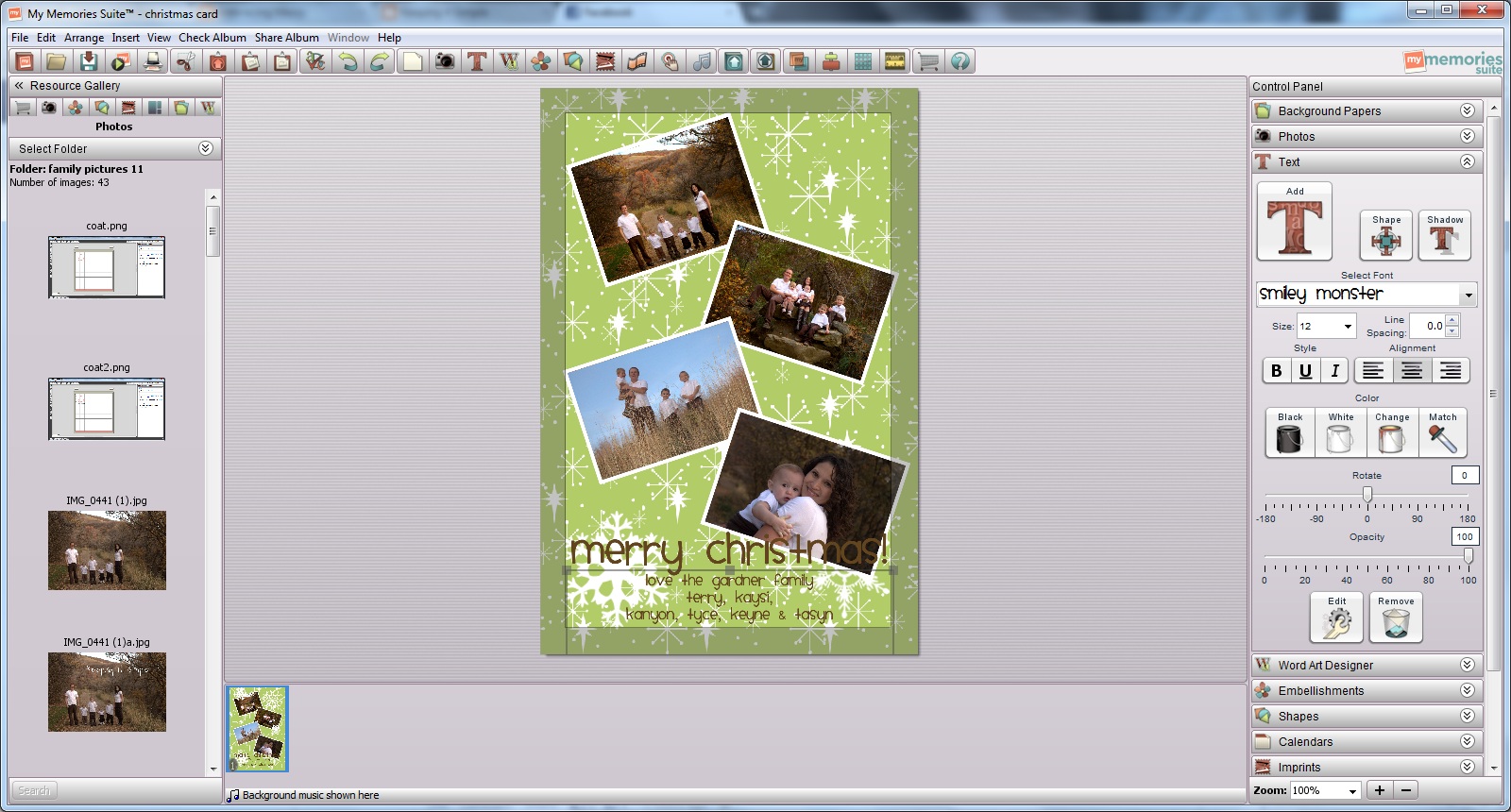
6) I then added some embellishments (the snowflakes). By right clicking, you can send things to the front or back, depending on where you want them.
 7) I then clicked in the file labeled “share album” and export the picture into a jpeg file.
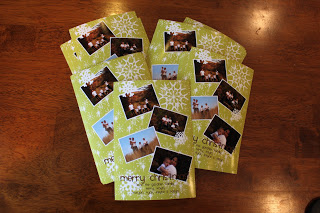
I then just had it printed out as a 4×6 picture!! So easy and so much cheaper than buying them on the photo card stores!! I love how they turned out and I’m so excited to send them to my friends and family.
Can’t wait and want the software now? I have an awesome coupon code that you can get $10 off the software plus $10 towards kits! That is a $50 value for only $30! Use code STMMMS86804


Nice software 🙂 I love the huggables
I follow KIS on GFC
I like the Home Improvement Word Art AND that it's Mac compatible.
I follow KIS on GFC!
I like KIS on FB, too! Thanks for all of the fun giveaways, Kaysi!
I like KIS on facebook! I even said HI! 😉
I am following your blog!
Thank you!
I forgot to say which one I like..I like the Valentina Creations.."The day I was waiting for" The little girl reminds me of my daughter… Please remove one of my entries and use this one..sorry!
Thank you!
I like the scalloped paper pack or the xmas cookie jar extras! all are cute!
hgrossman@cableone.net
i follow kis w/ gfc!
hgrossman@cableone.net
I love the winterland kit!
I follow your blog!
AND I like you on FB!