• Skip to primary navigation
  • Skip to main content

Keeping it Simple

creating simple crafts, DIY, recipes and more

  • About Me
  • Advertise
  • Buttons
  • Contact Me
  • Keeping it Simple Designs
  • Privacy Policy
  • Tutorials
  • Home Decor & DIY
  • Recipes
  • Holiday Crafts
  • Gaming & Geek Crafts
  • Printables
  • Kids Crafts
  • Sewing
  • Vinyl Crafts

Baby name onesie

December 28, 2011 by Kaysi 1 Comment

Two of my family members had little baby girls this summer, so I had to make them something. I love putting the names on things, because then people know that it was made just for them!
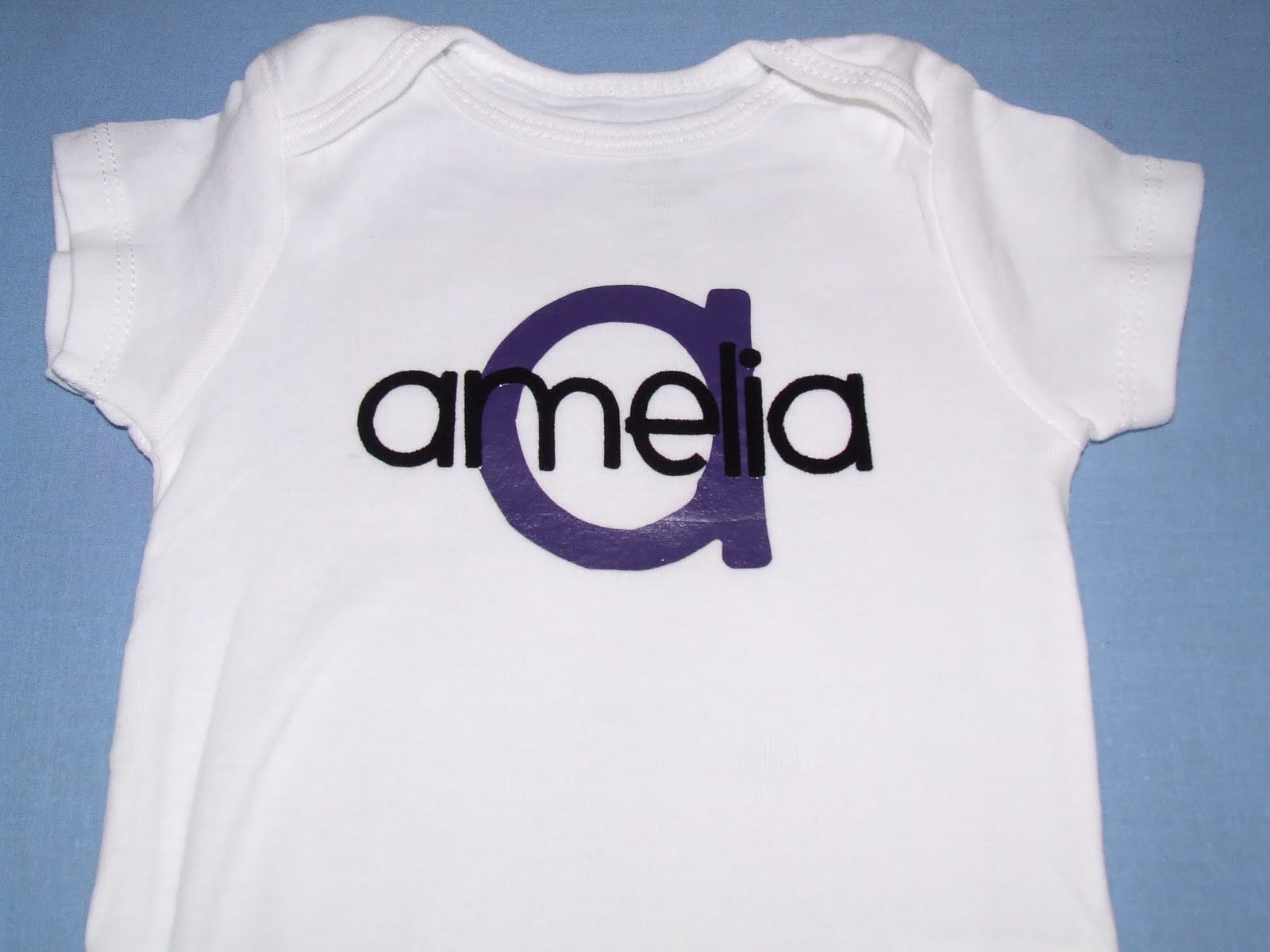
This is how I made it:
1) Using my Silhouette studio, I typed their names. I mirrored the images.
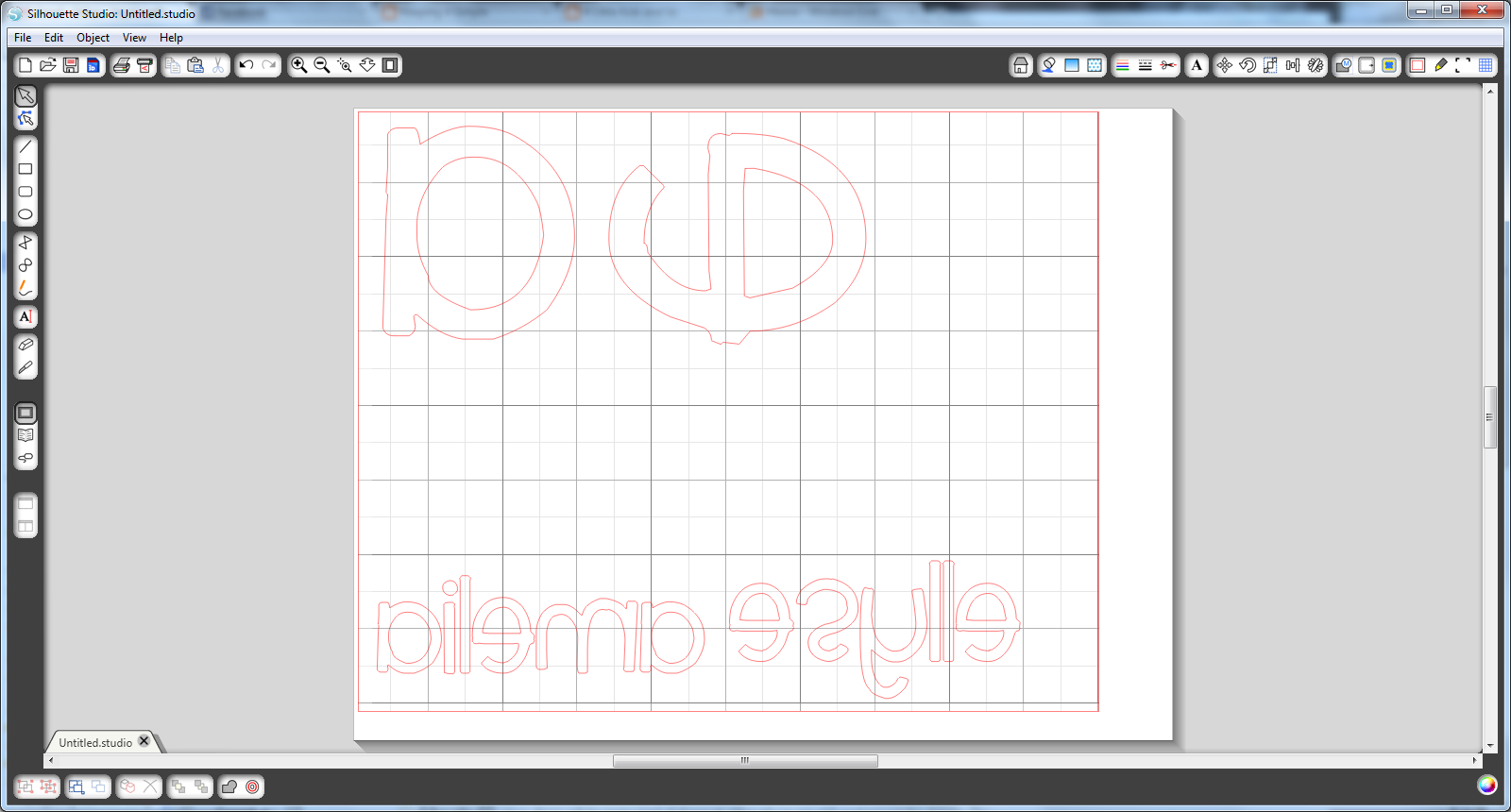
2) I cut the letters out with the glossy side of the heat transfer down. I used purple tshirt vinyl and flocked black vinyl from Expressions Vinyl.
3) I first ironed on the purple vinyl.
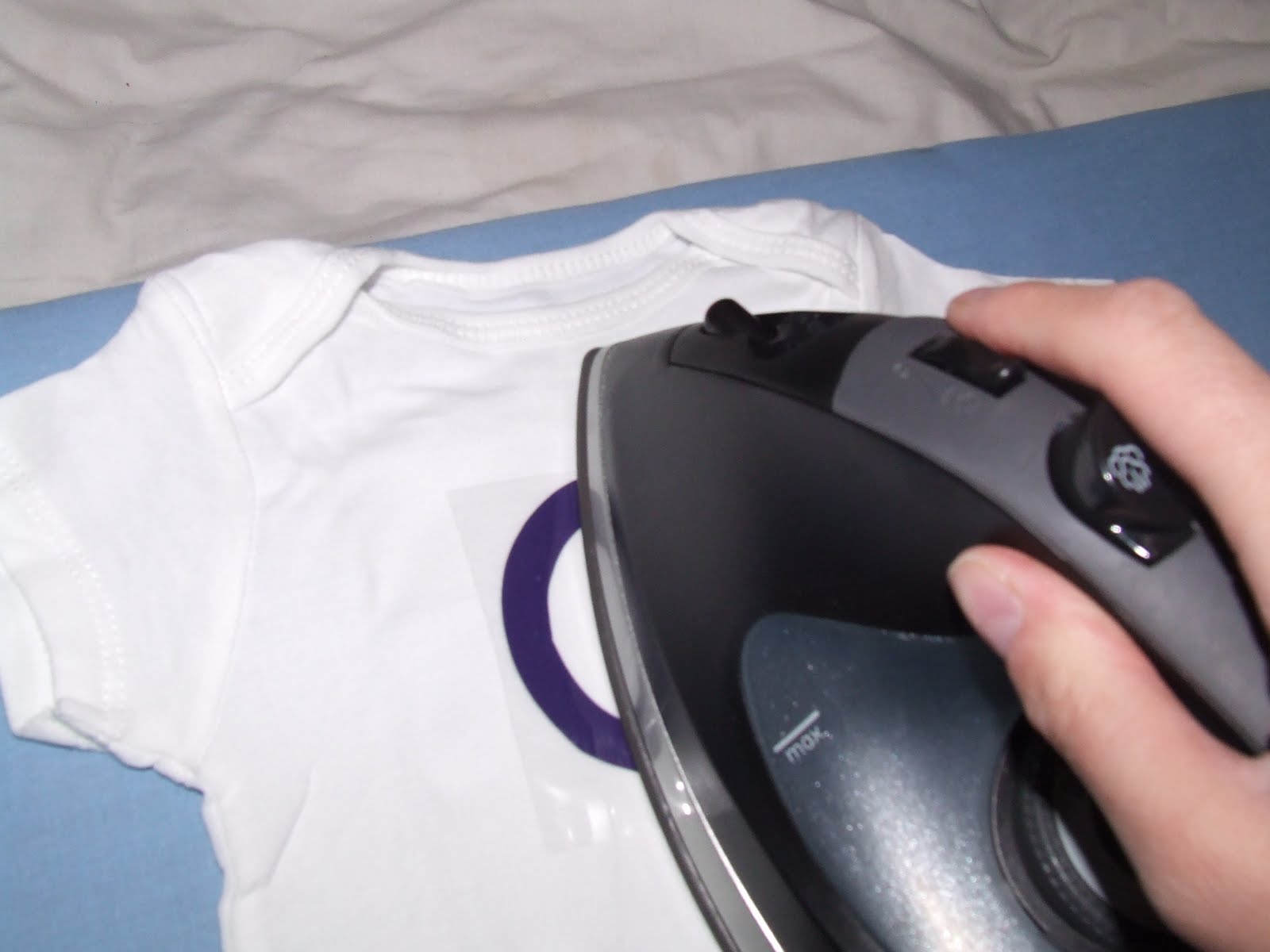
4) Then I ironed on the black name.
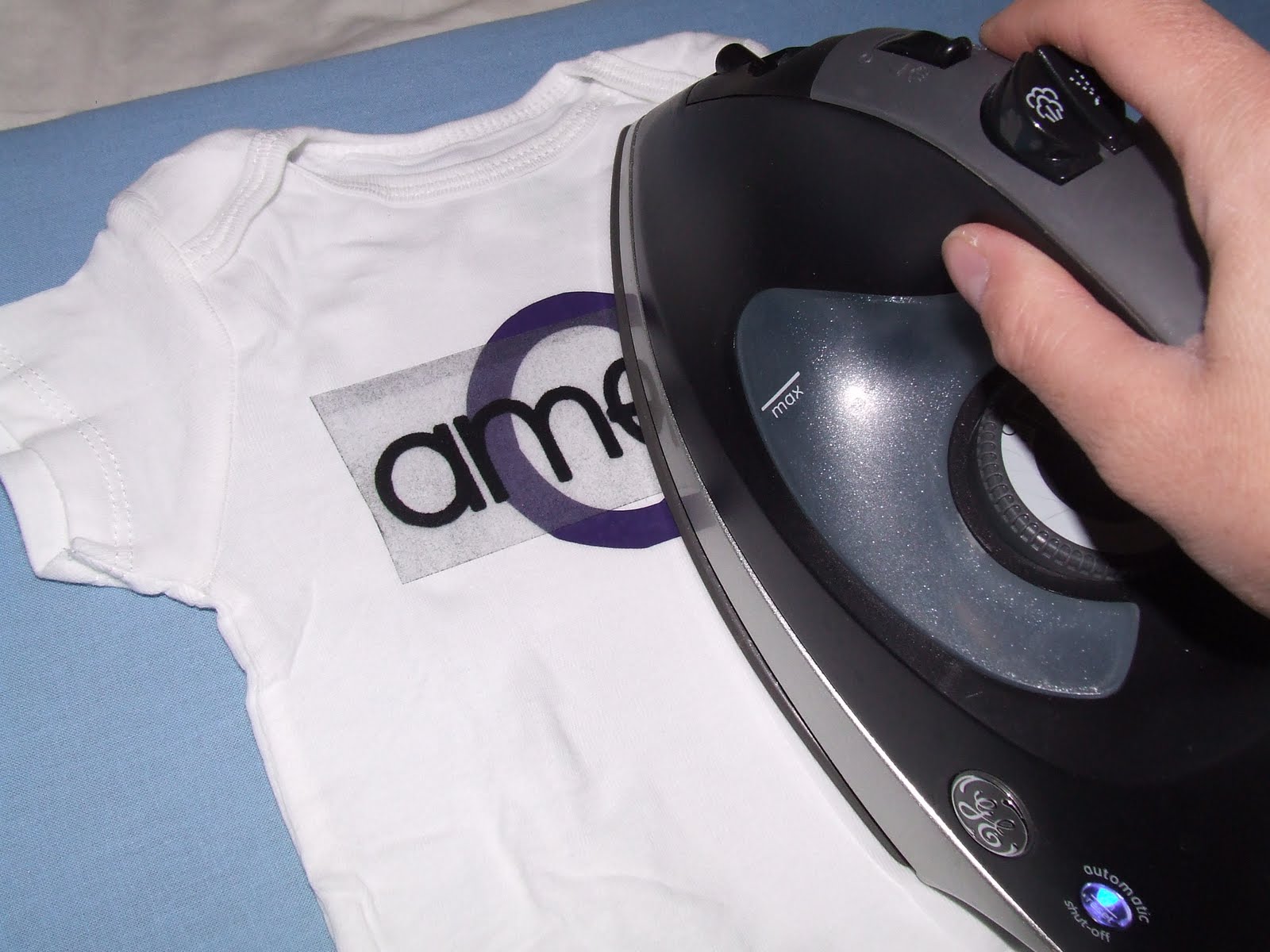
5) I removed the plastic.
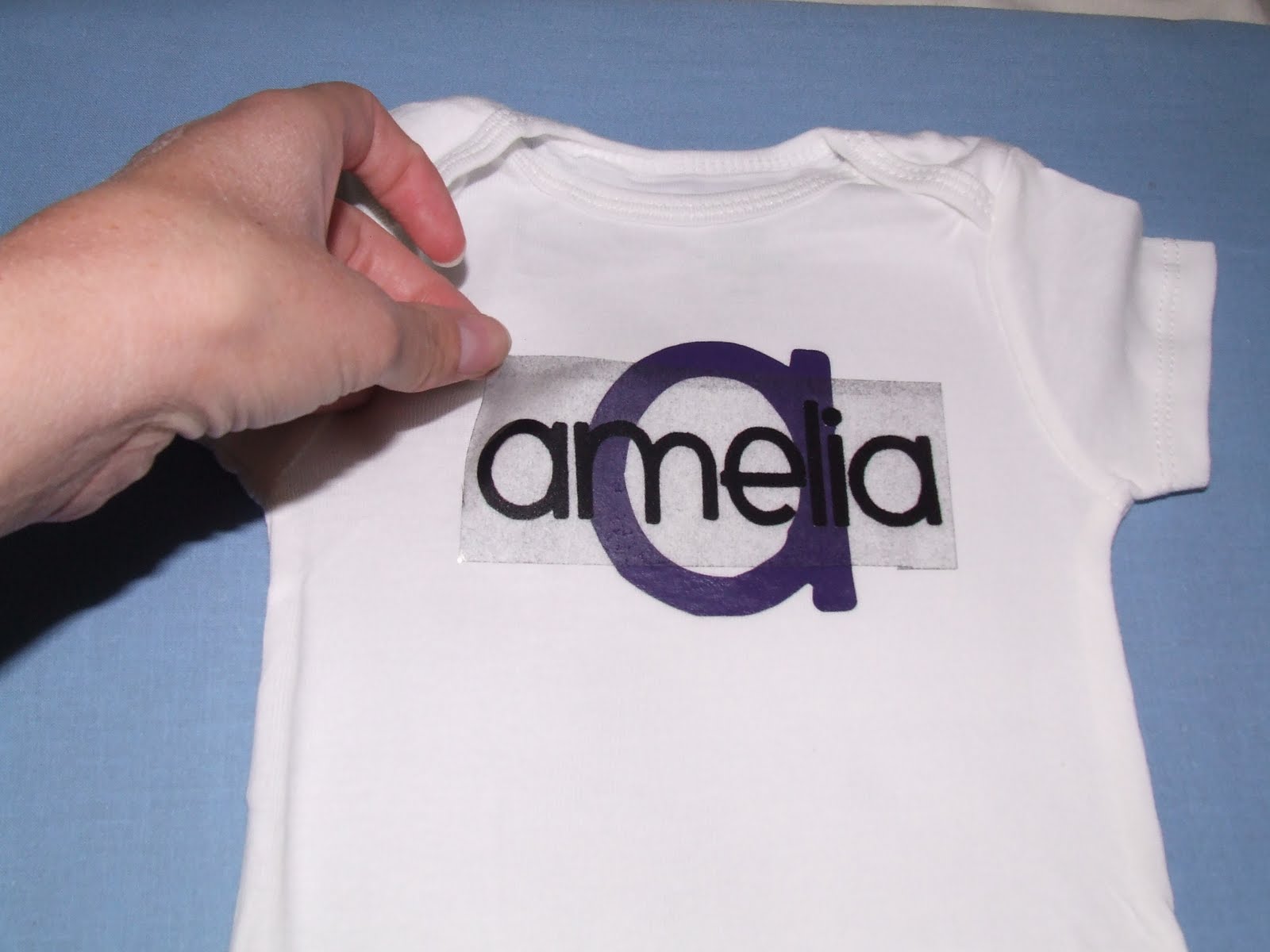
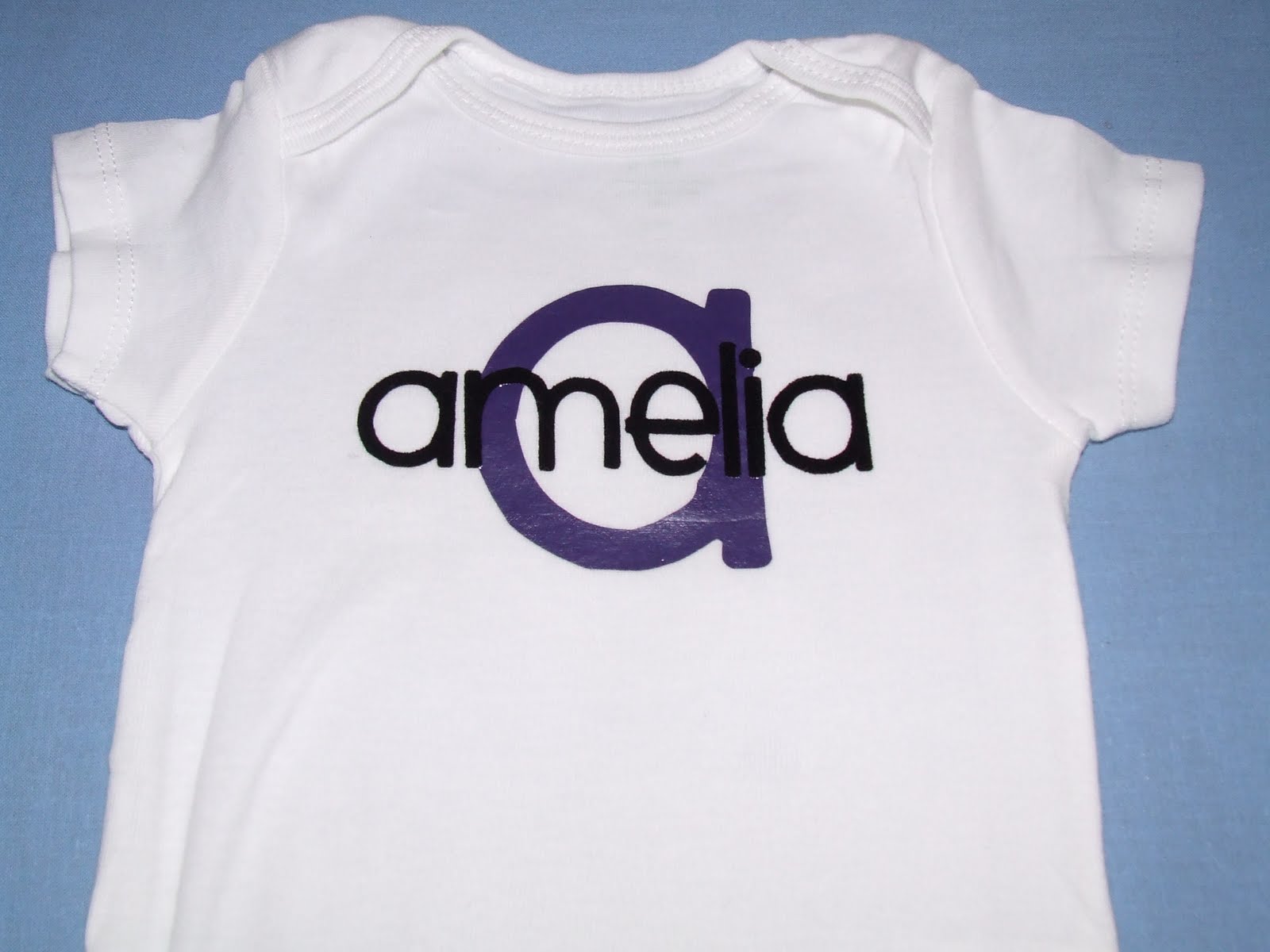
And just like that, she has a cute personalized onesie!
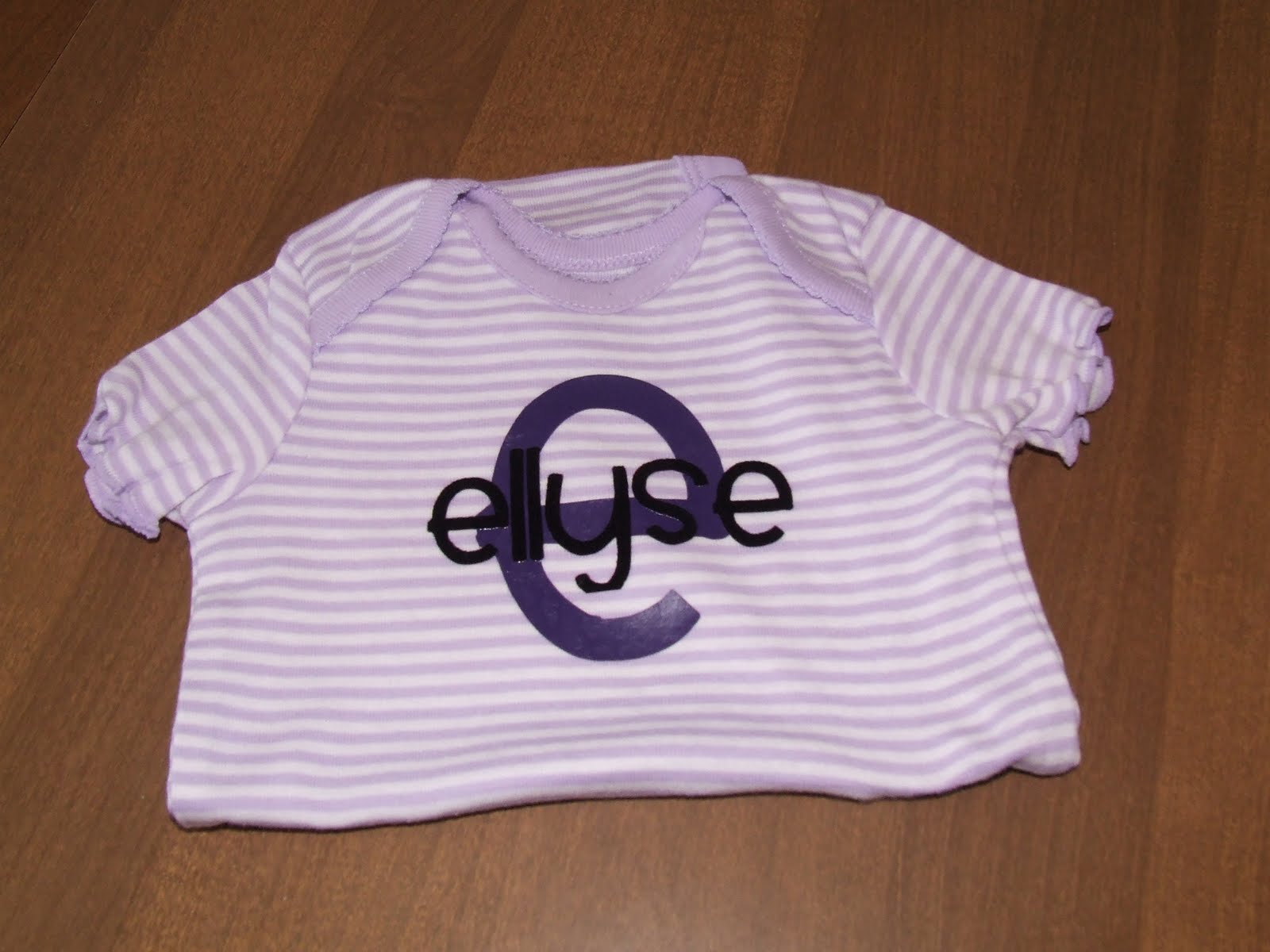
Here is the other one I made.
Photobucket

Filed Under: baby, girls, heat transfer, shirt, silhouette, tutorial, Uncategorized

Previous Post: « Christmas Gift Idea: 4×4 Monthly Decorative Holiday Tiles
Next Post: Tot Thursday: Paper Plate Snowman »

Reader Interactions

Comments

  1. Sandy

    April 14, 2012 at 4:43 pm

    How do you mirror an image? Do you maybe have it in another post? I want to use my new Cameo but have no idea where to start! Thanks 🙂

    Log in to Reply

Leave a Reply Cancel reply

You must be logged in to post a comment.

This site uses Akismet to reduce spam. Learn how your comment data is processed.

Copyright © 2026 · Foodie Pro & The Genesis Framework