How to Turn Your Favorite Pet Photos into Custom Clothing
Our pets are more than just animals—they’re family. Whether it’s the goofy smile your dog gives when it’s time for a walk or the cozy pose your cat strikes during an afternoon nap, those special moments deserve more than just a spot in your phone’s camera roll.
What if you could wear those memories everywhere you go?
Creating custom clothing with your favorite pet photos is easier than ever. From t-shirts and hoodies to athletic shorts and tote bags, personalized pet apparel lets you celebrate your furry friends in a fun and stylish way. It also makes an unforgettable gift for fellow pet lovers.
In this tutorial, I’ll show you how to transform your favorite pet pictures into high-quality custom clothing using the xTool apparel printer. You’ll learn how to choose the best photos, prepare them for printing, and create vibrant, professional-looking apparel you’ll be proud to wear—or give as a gift.
Let’s turn those adorable pet photos into something you can enjoy every day!
Here is a quick video to show you how to turn your favorite pet pictures into custom clothing!
This is how it made it:
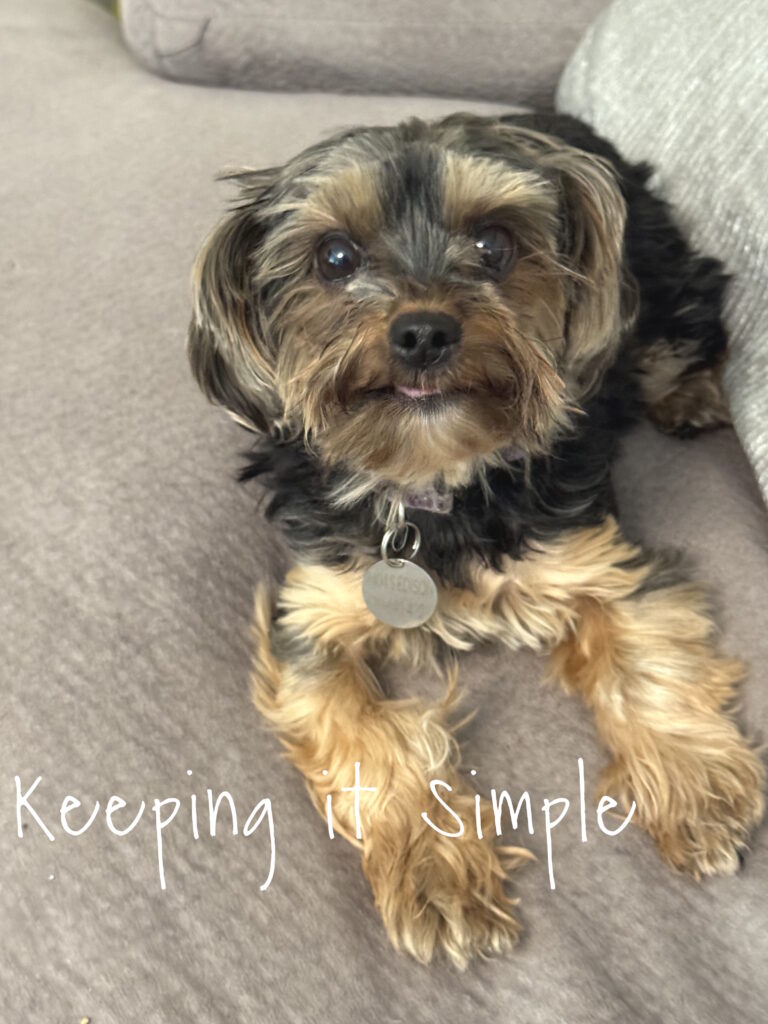
The first thing I did was found some of my favorite pictures of my fur babies. If I didn’t have one that would work, I just took one of them. I snapped a quick picture of my yorkie for this, she’s just adorable and super photogenic, so it took about 30 seconds to get a good picture of her :).
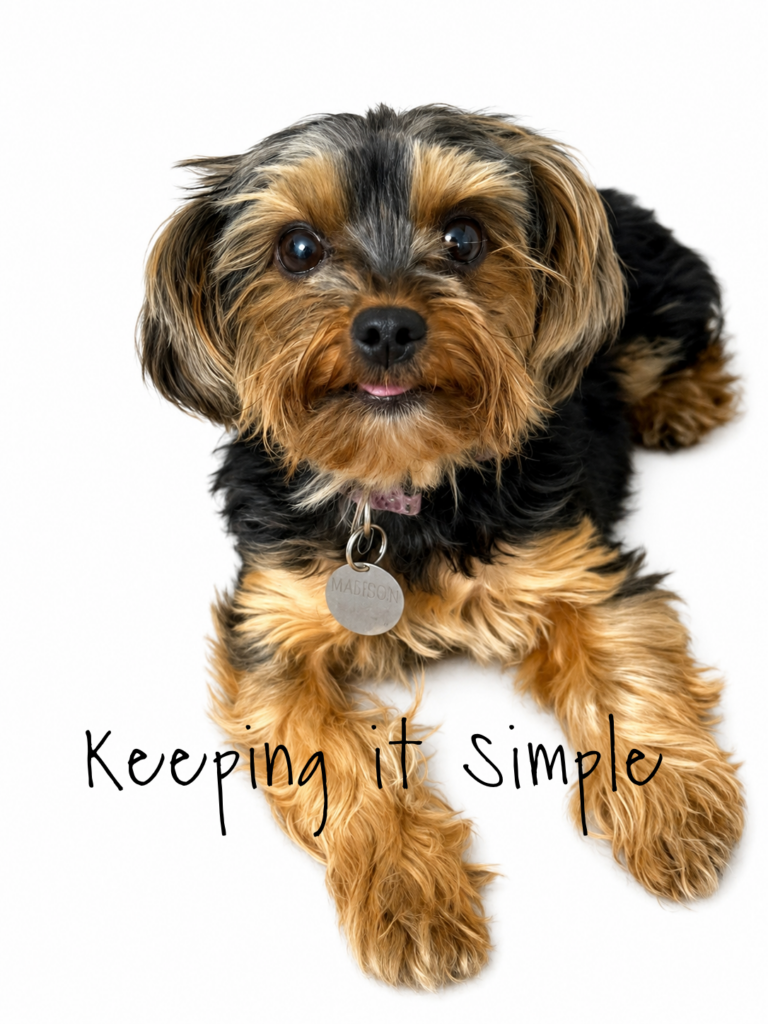
The next thing I did was got the photo ready for the xTool Studio software. The software will remove the background, but I wanted to make it easier for it, so I made the background white. I used ChatGPT and asked it to the make the background white. You can also ask it to remove the background and make it transparent, that is probably the preferred method. I did that for most of my pet photos but this one I made the background white. Either way will work.
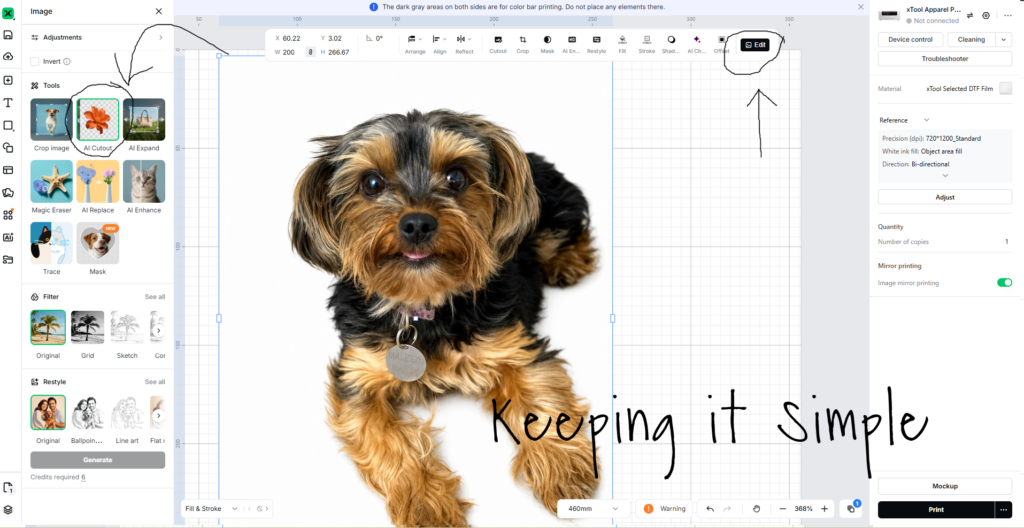
Now time to open the xTool Studio software and get the picture ready to print. I added the photo by clicking the import button. I then clicked the edit button.
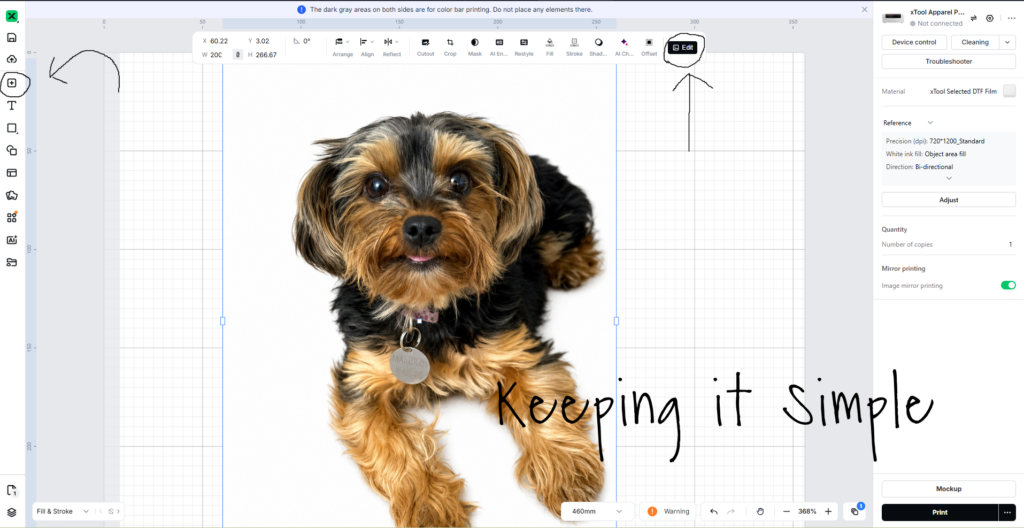
Once I clicked the edit button, I clicked the AI cutout button.
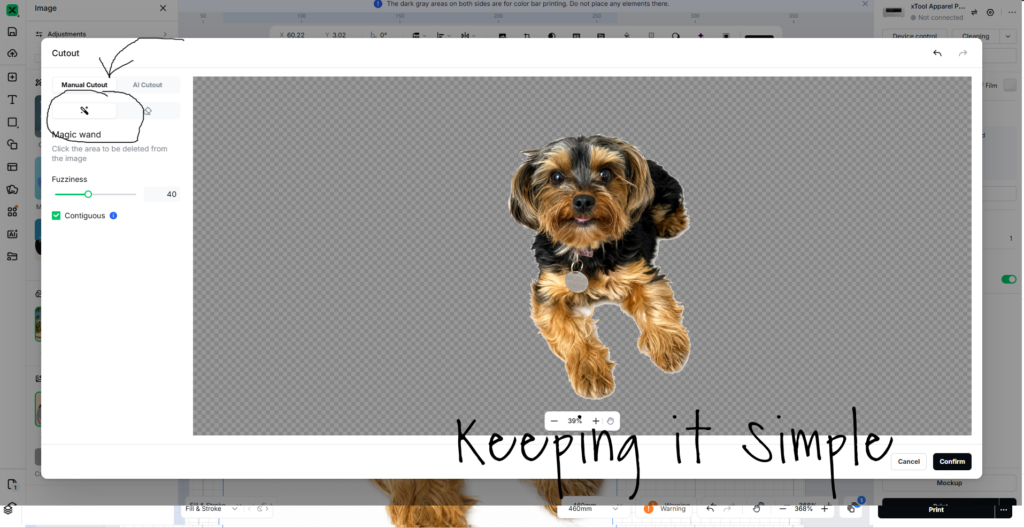
Then I clicked on the magic wand and removed the white background from the picture. You can omit this step if you have ChatGPT remove the background and make it transparent for you.
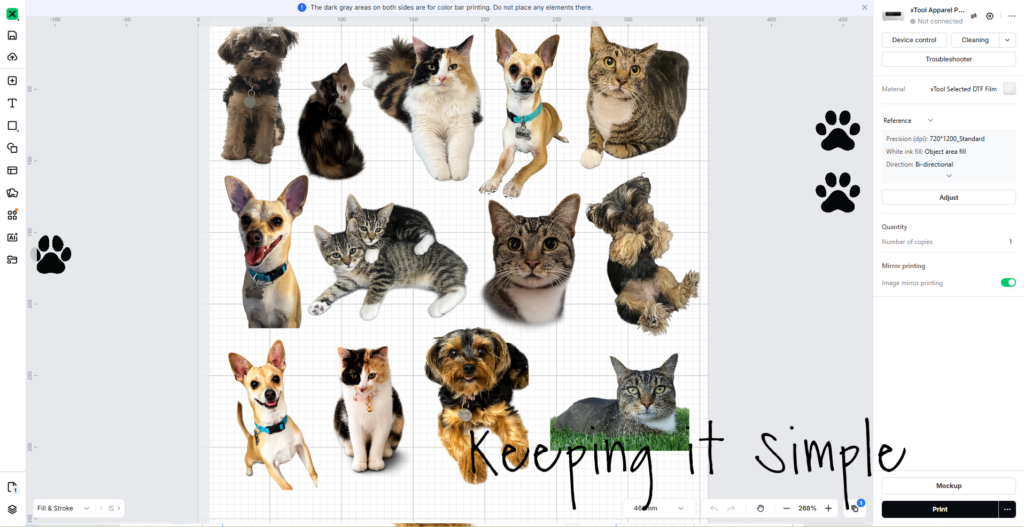
Once I removed the background, I resized the picture and then imported more of my favorite pet pictures. Once I had them all uploaded and arranged, I pushed the print button. You don’t have to worry about mirroring the images because the software will do that for you, it’s so nice!
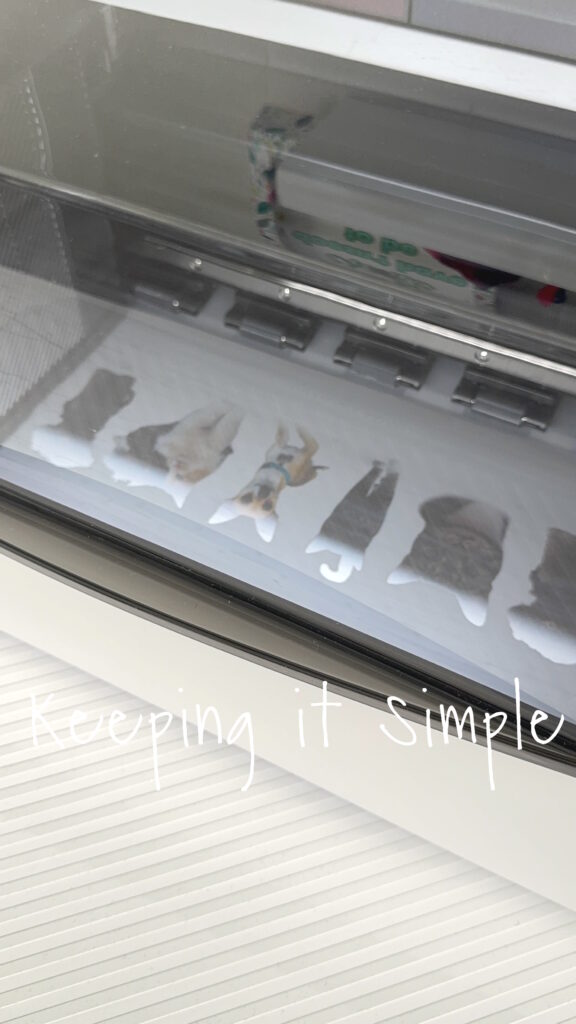
Now it’s time for the xTool apparel printer to do it’s magic. I love watching it print, it seriously looks so good. The quality is amazing!
Once the design was printed, I then added the apparel powder to the wet ink. I just added a little layer and shook off the excess powder but gently shaking the film.
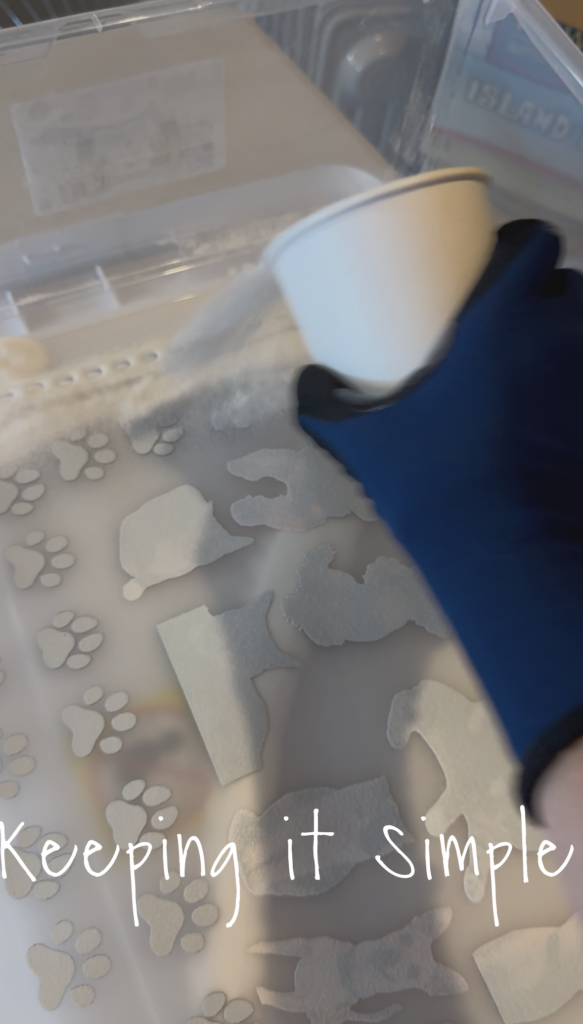
I then cured the powder with my DTF oven, I set it to 300 degrees and cured it for 2 1/2 minutes.
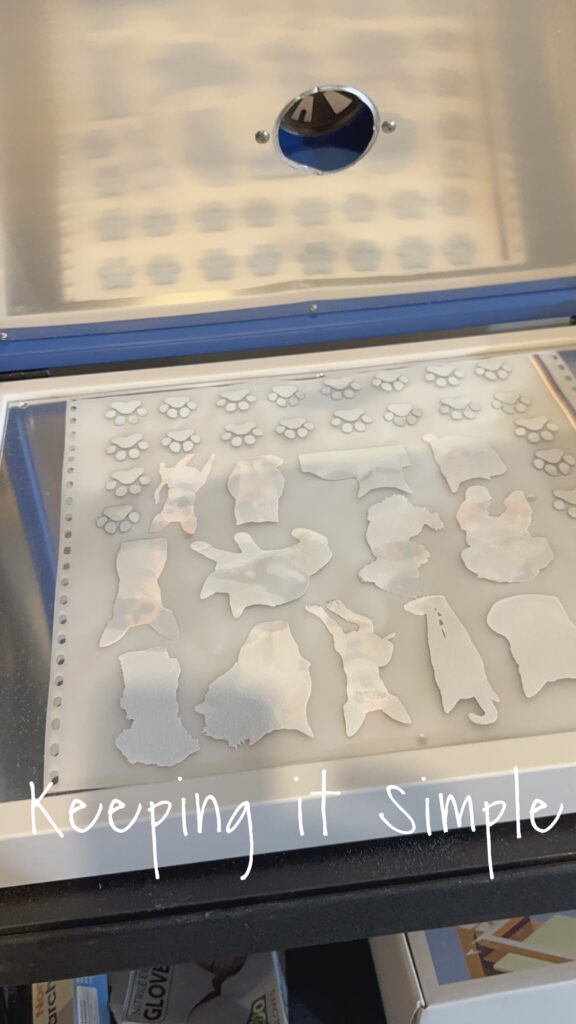
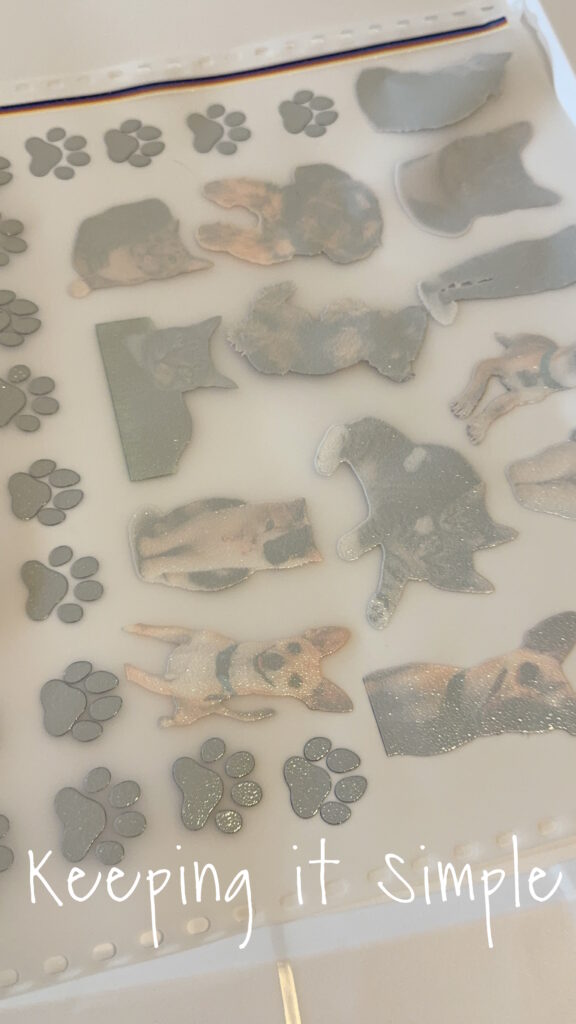
Once the powder is glossy like this, it is cured.
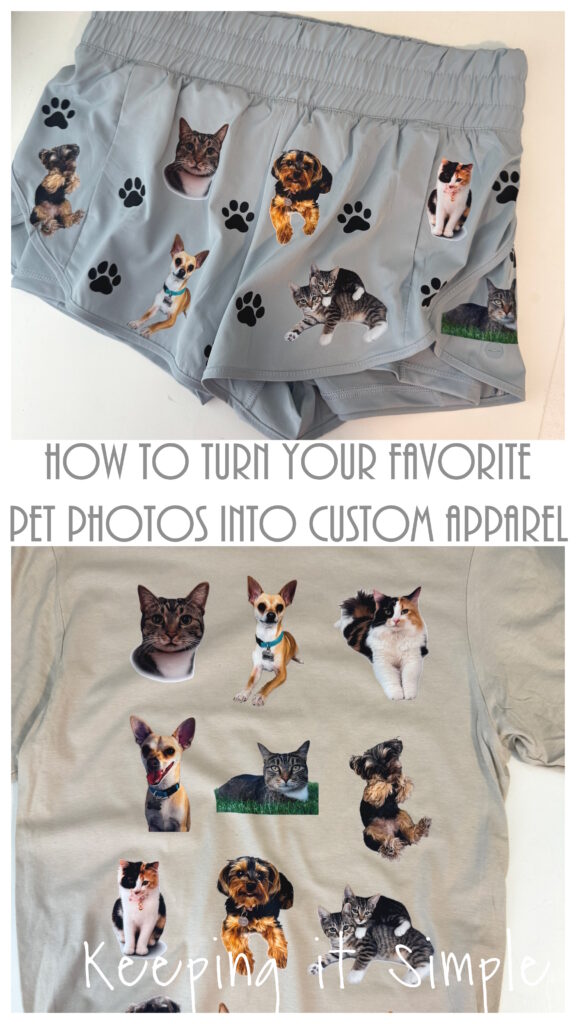
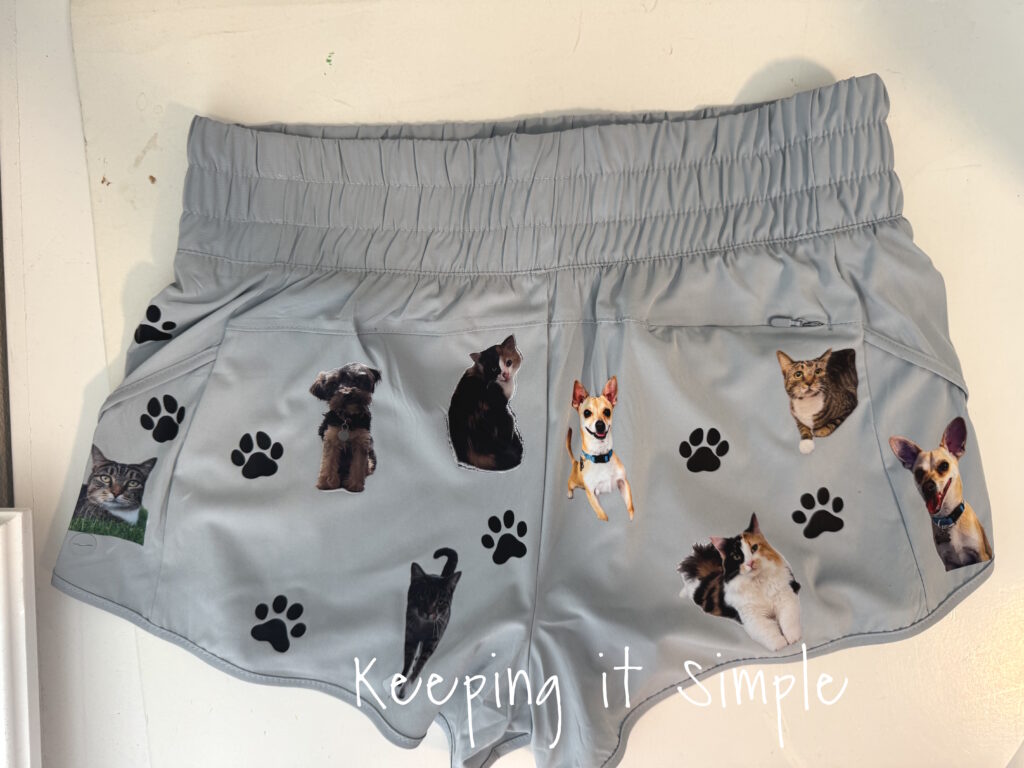
I wanted to make myself some fun shorts, but you can put your favorite pet pictures on anything!
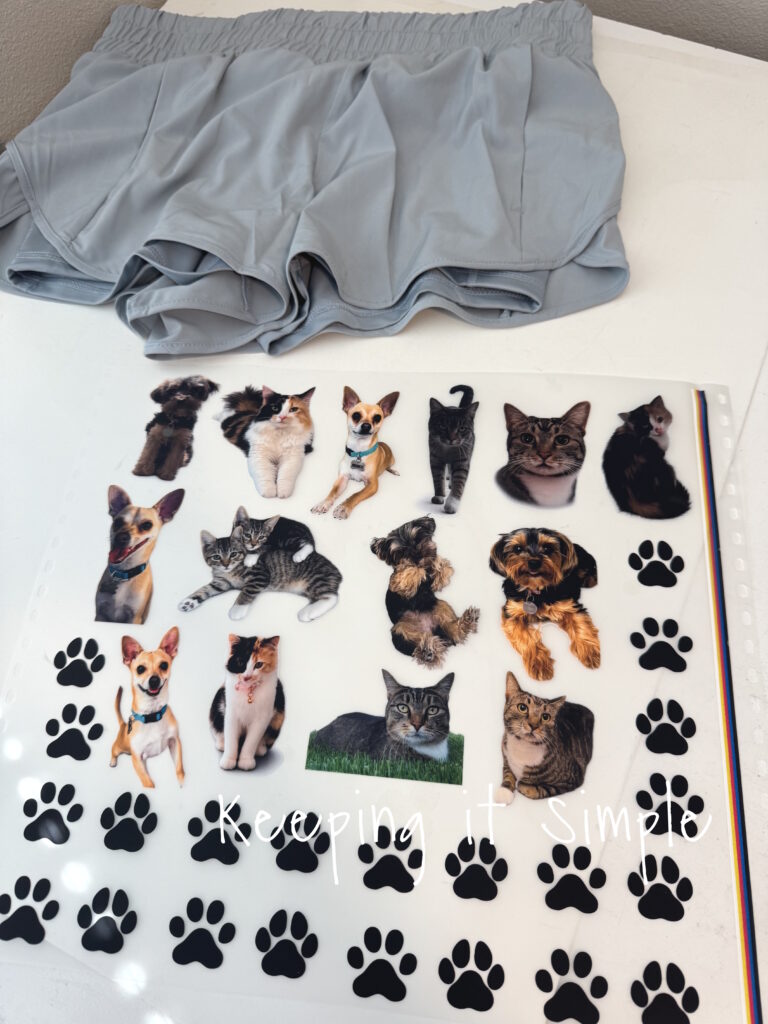
I cut out all of the pictures and got ready to put them all over my running shorts.
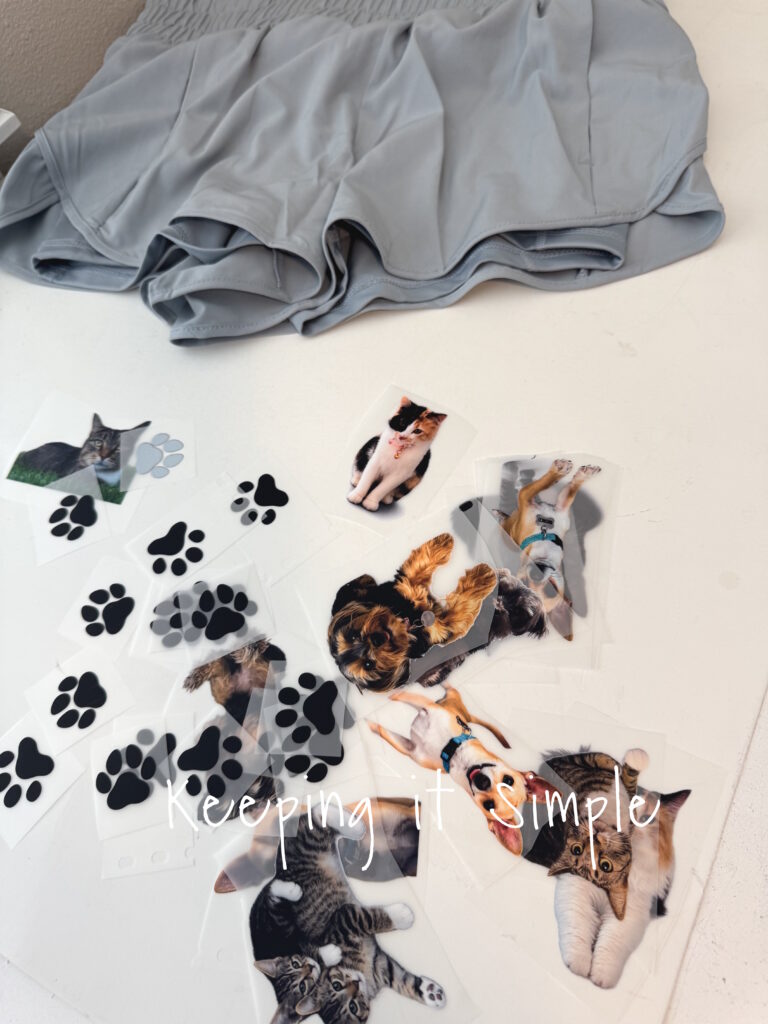
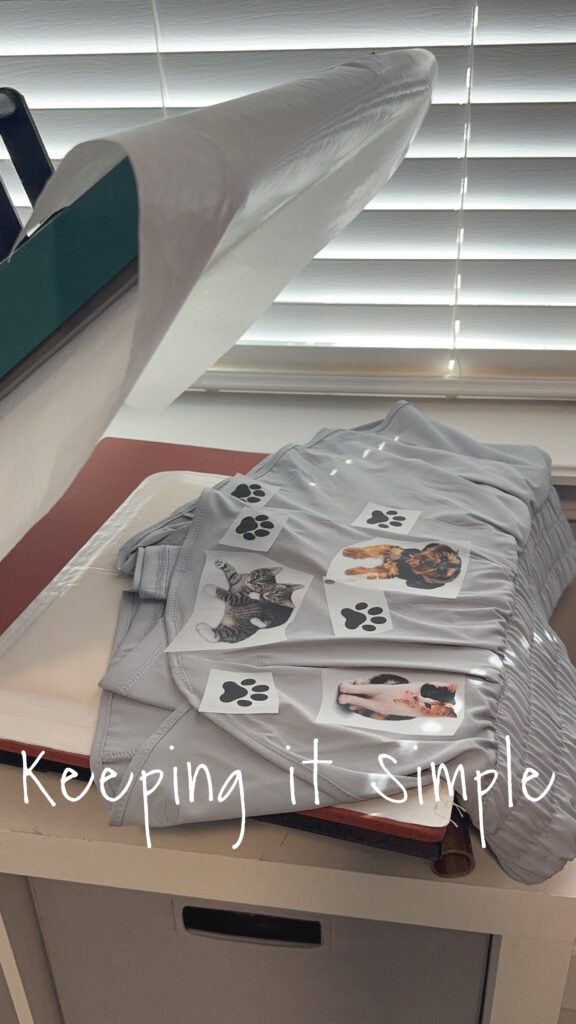
I placed the pet pictures onto the shorts, I arranged them how I wanted to and then pressed them with a heat press for 15 seconds at 305 degrees. I used a heat press pillow to help with all of the seams of the shorts.
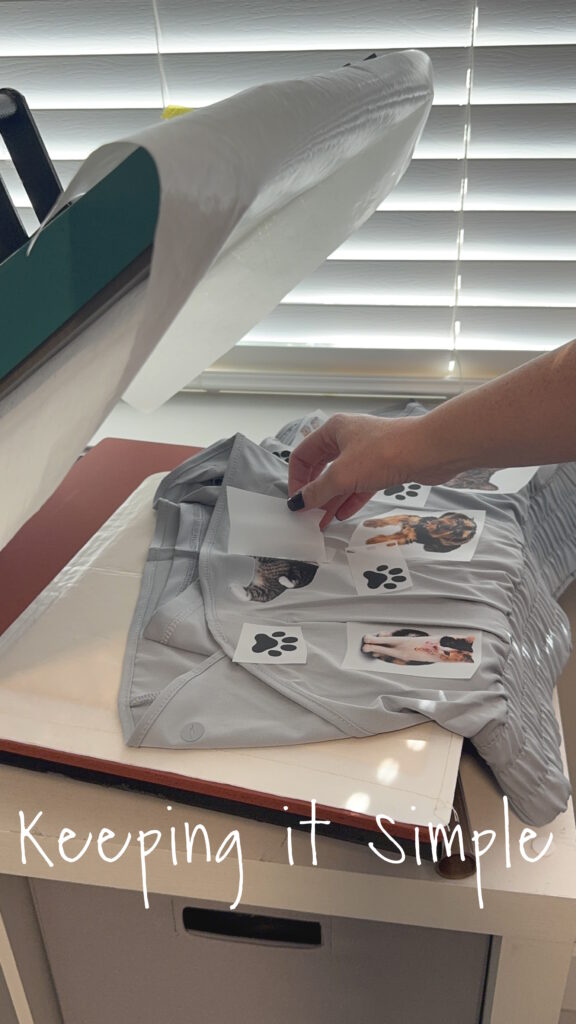
I let the DTF film cool for about 10 seconds and then I peeled off the film and then pressed them again for 10 seconds. ***Since there are so many seams and chances of the fabric to wrinkle under the heat press, I would recommend using a mini heat press to do the harder areas, like around the sides and top.***
And that’s it! Aren’t these shorts so much fun?! I love how they turned out!
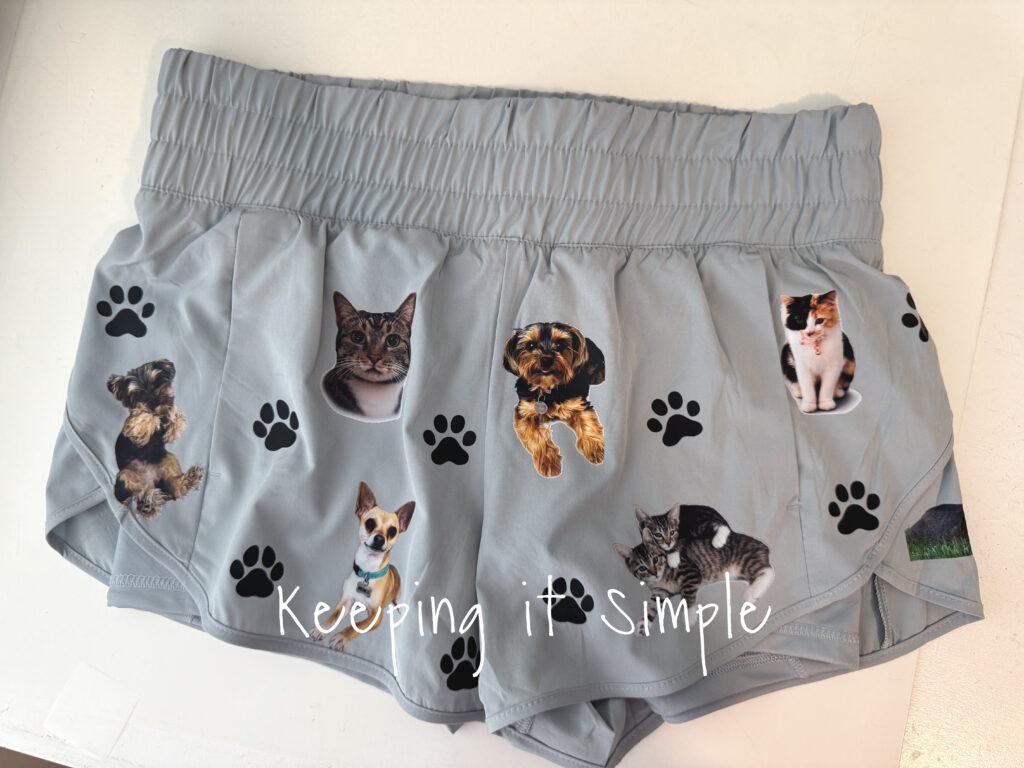
And here is the back side of them, so much fun!
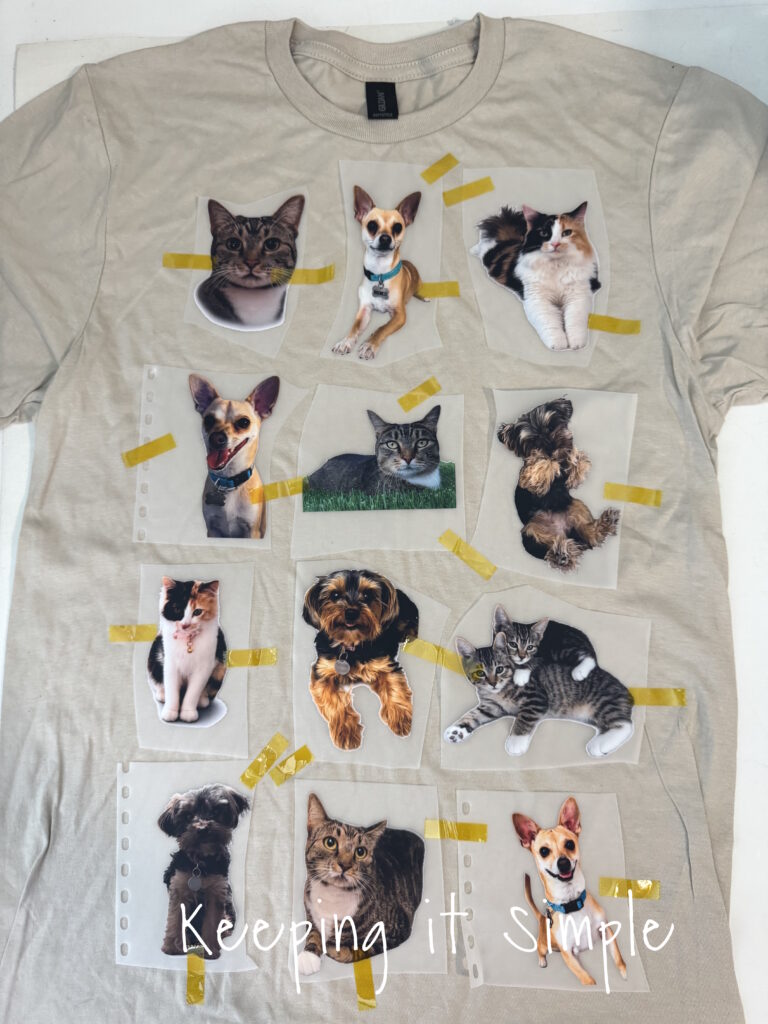
You can put your favorite pet pictures on anything, I also made a shirt with the same pictures. This was much easier to press than the shorts, I just used some heat resistant tape and taped all of the pictures onto the shirt and then pressed it all at the same time.
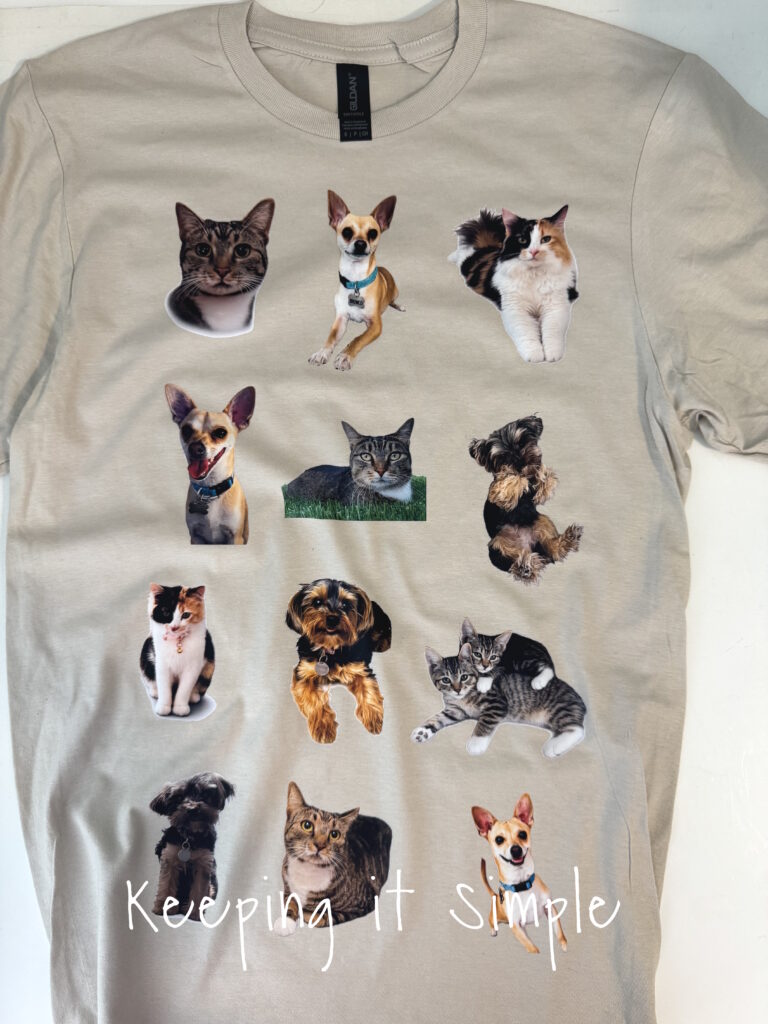
Doesn’t it look so good?! The pictures are definitely high quality, the xTool apparel printer does amazing work!
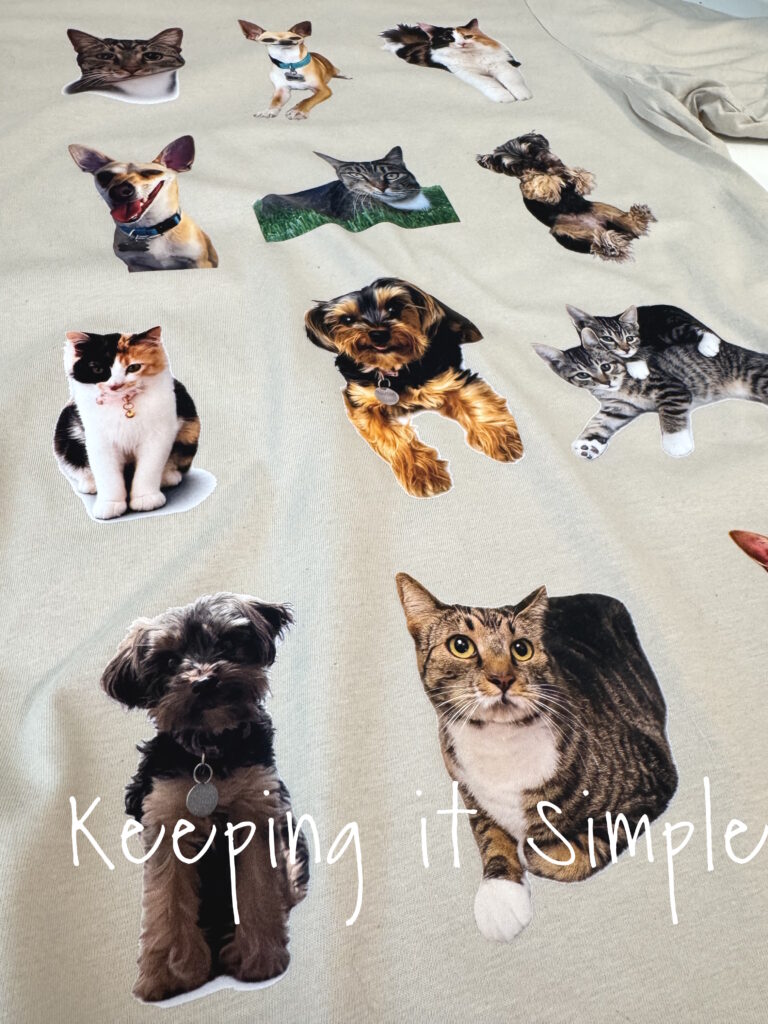
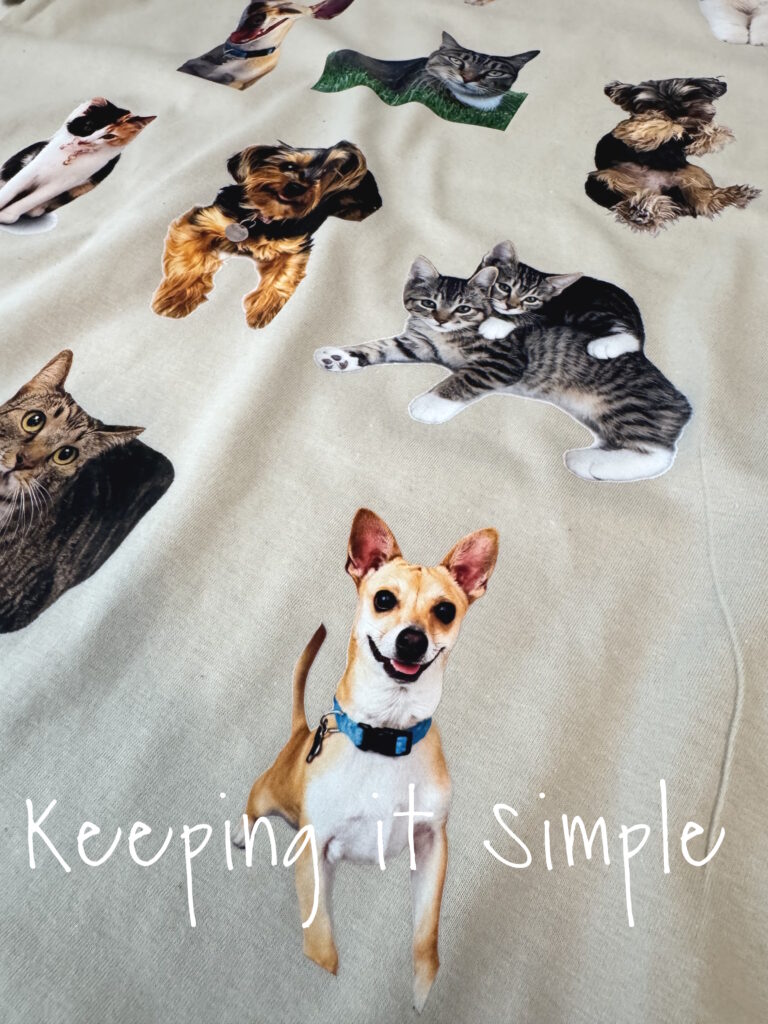
Ready to create your own custom pet apparel? Gather your favorite pet photos, fire up your xTool apparel printer, and start designing. With the right tools and a little imagination, you’ll be amazed at how easy it is to turn treasured memories into wearable works of art. Happy printing!
If you liked this idea, then you will love all of the other things I have create with my xTool machines! Check out all of my ideas here.
This post contains affiliate links.
Leave a Reply
You must be logged in to post a comment.