Custom Colorful Wooden Race Medals
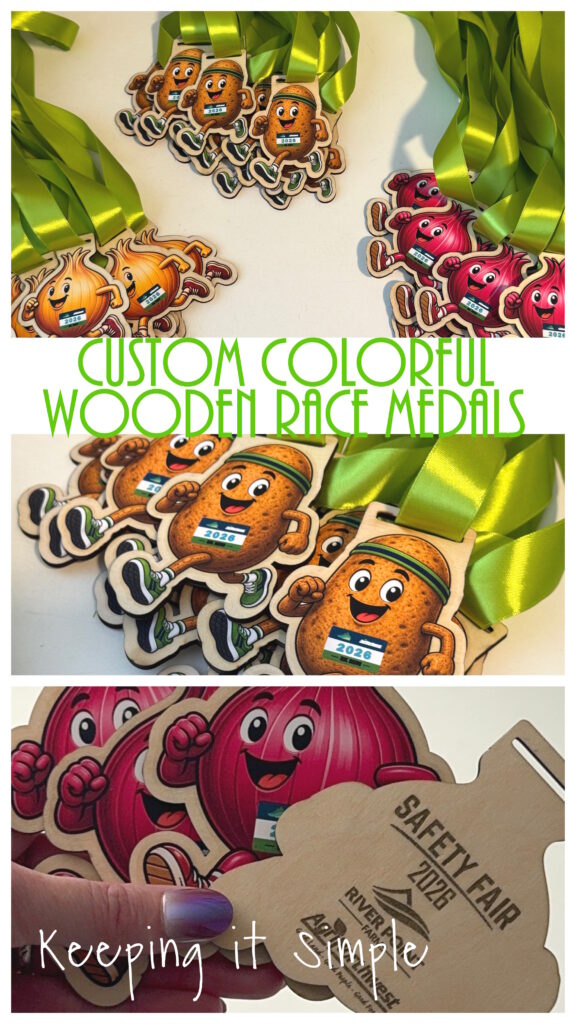
When it comes to making custom race medals, I love the look of wood—but sometimes I want a little more color than engraving alone can give me! My husband’s company asked me to make some fun medals for their fun run, so I wanted to create fun, colorful medals that matched the personality of the event without making the process overly complicated.
By combining my xTool S1 with my xTool DTF apparel printer, I was able to get the best of both worlds: the natural look of a wooden medal with bright, full-color artwork on the front. And the best part? They were actually really simple to make!
In this post, I’ll show you how I made these custom wooden race medals from start to finish and share a few tips I learned along the way.
If you are new to xTool and DTF printing, check out my beginner’s guide here.
If you are new to laser cutters, check out this post here.
Here is a video to show you the process of how I made these fun custom colorful wooden race medals.
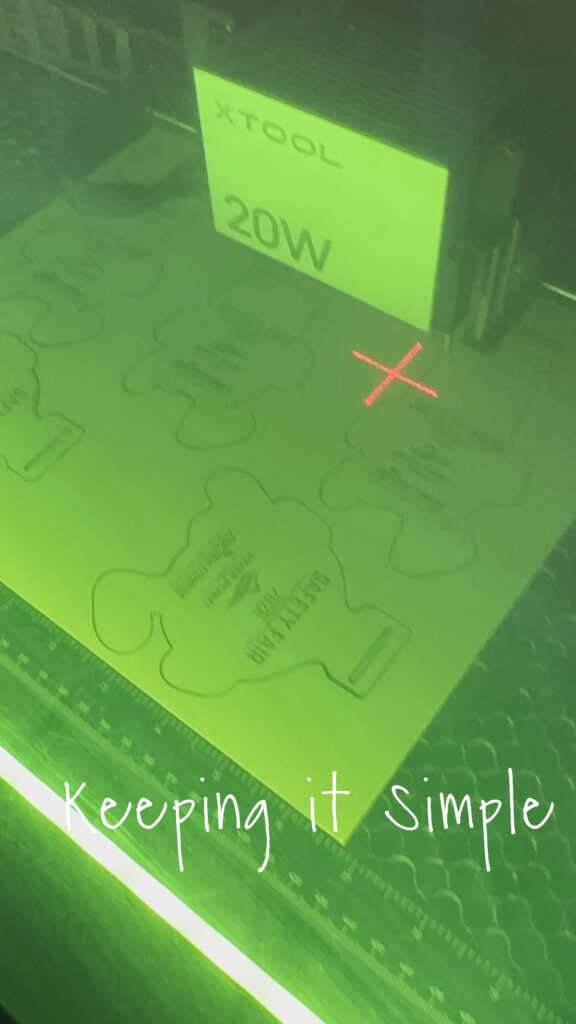
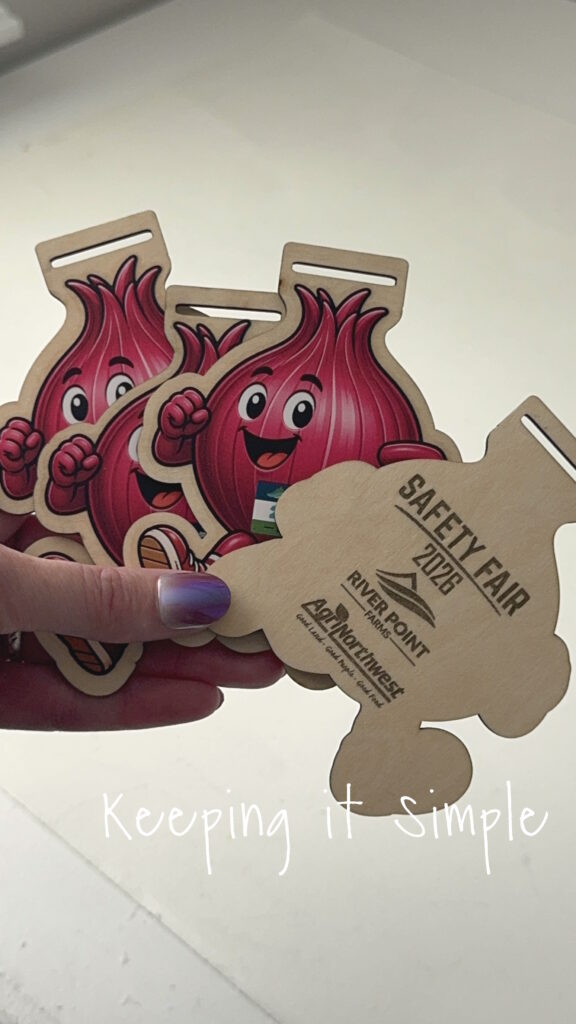
The first thing I did was go into xTool Studio and set up the design. I was able to cut out 8 of the medals out of one sheet of 12 x 12 3mm basswood plywood. One of my favorite features of the xTool laser cutters is that you can cut and engrave during the same process, it is really nice because you don’t have to worry about things being lined up perfectly, because they already are! I color coded the different cut out shapes to make the different onions, that way I didn’t mix them up. They are similar but a little different because I made them to match up perfectly with the different onions and potatoes. I mirrored the cut out shapes and then added what I wanted to engrave onto the backs of them.
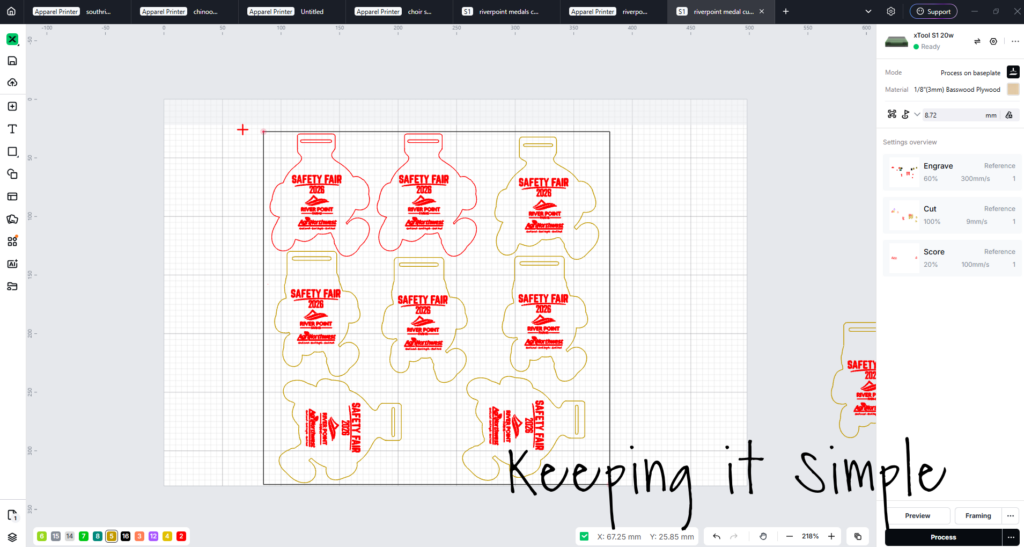
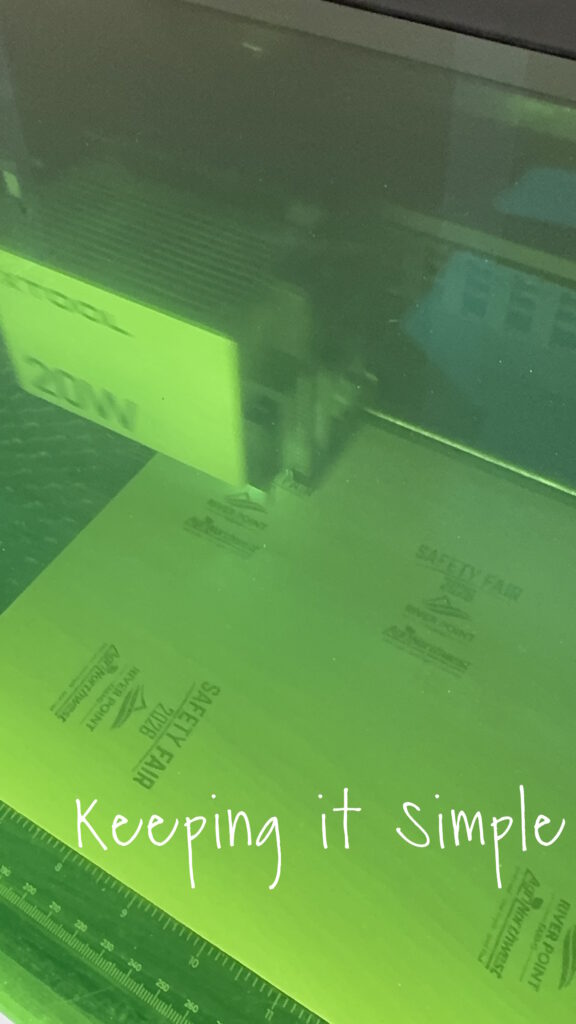
I then sent the design to xTool S1. It did great! First it engraved all the words.
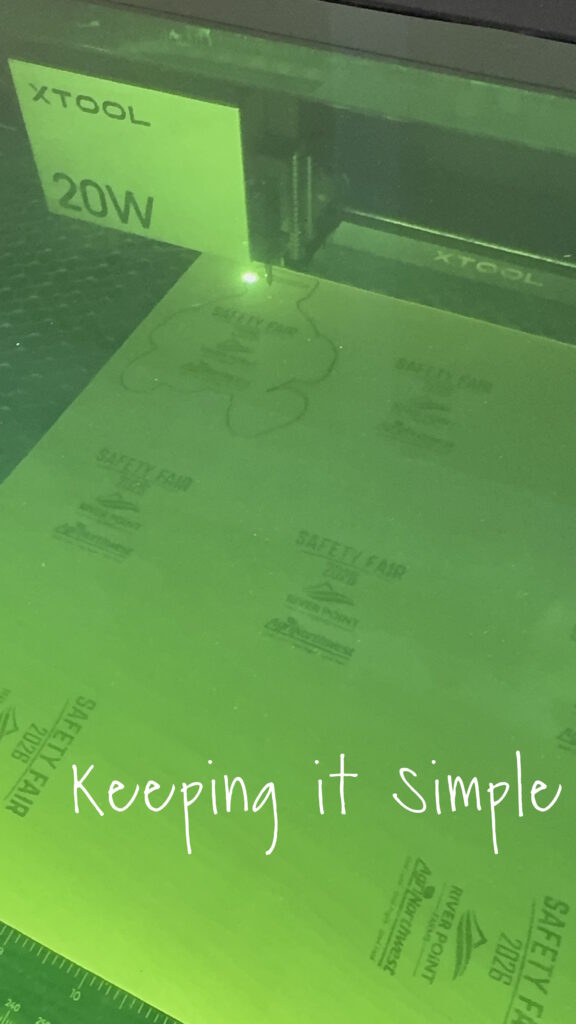
Then it will cut out the shapes. Look at the precision!
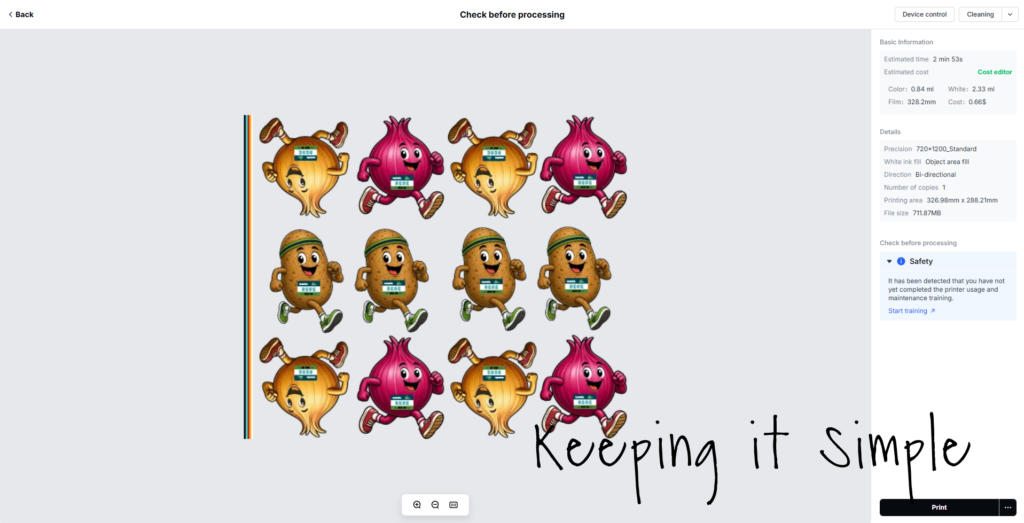
While the S1 was cutting the wood, I then went back xTool Studio and got the images aligned and ready to print out. I had AI help to make these images and then I added the custom race bib on them with the company logos. They turned out so good! I printed out 12 of them at the time and the cost was only $.68!
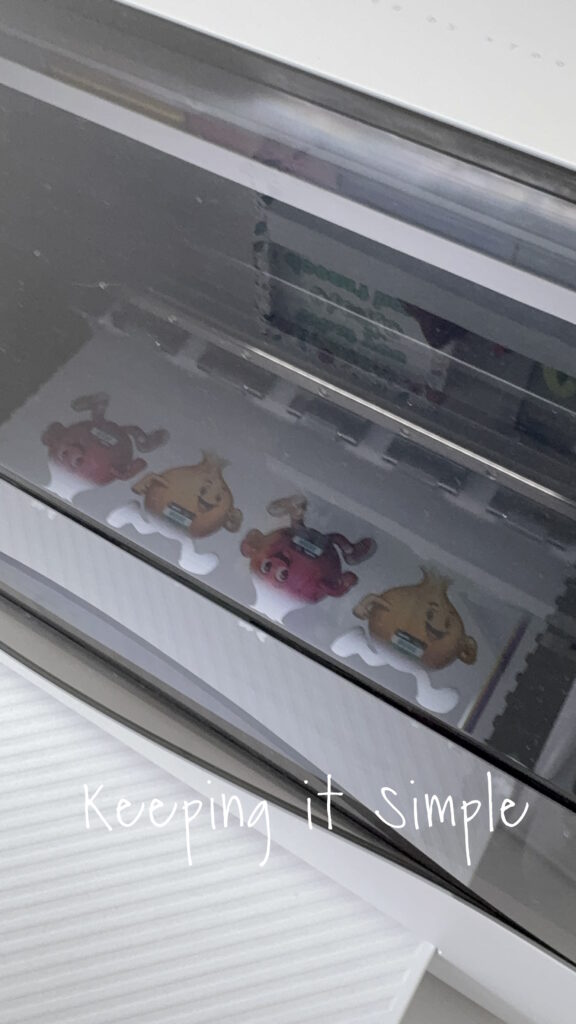
The apparel printer is amazing!
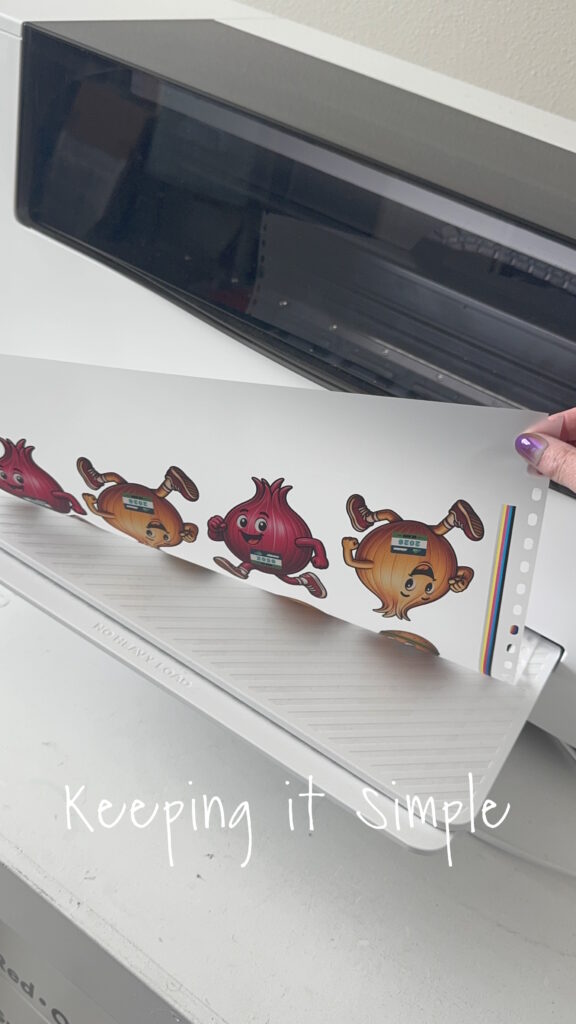
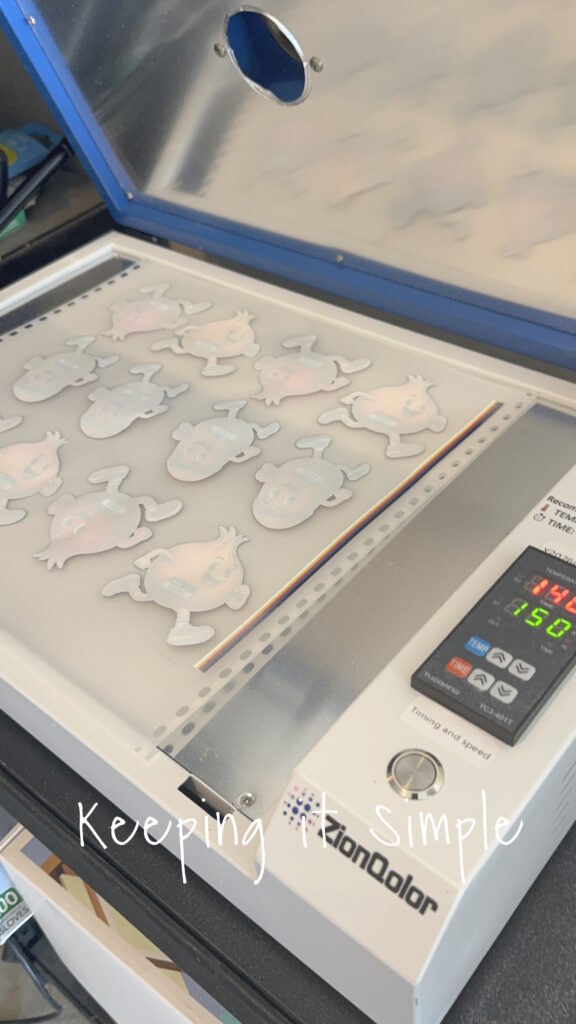
I added apparel powder and I cured it in my DTF oven 2 1/2 minutes at 140 degrees Celsius (roughly 285*).
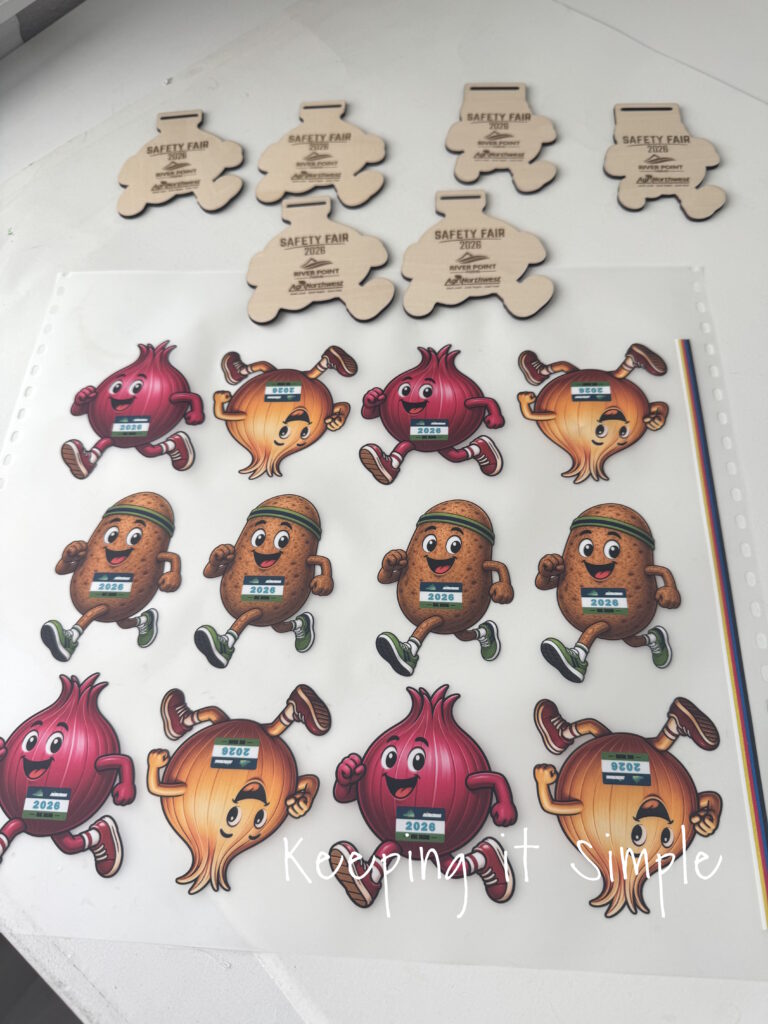
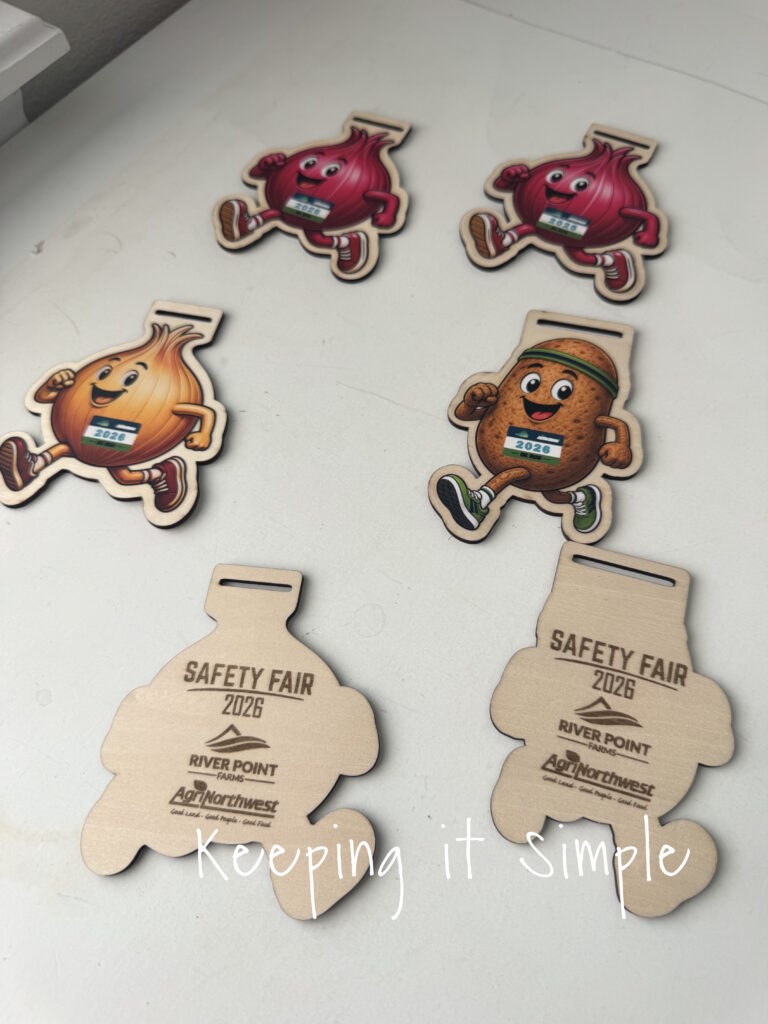
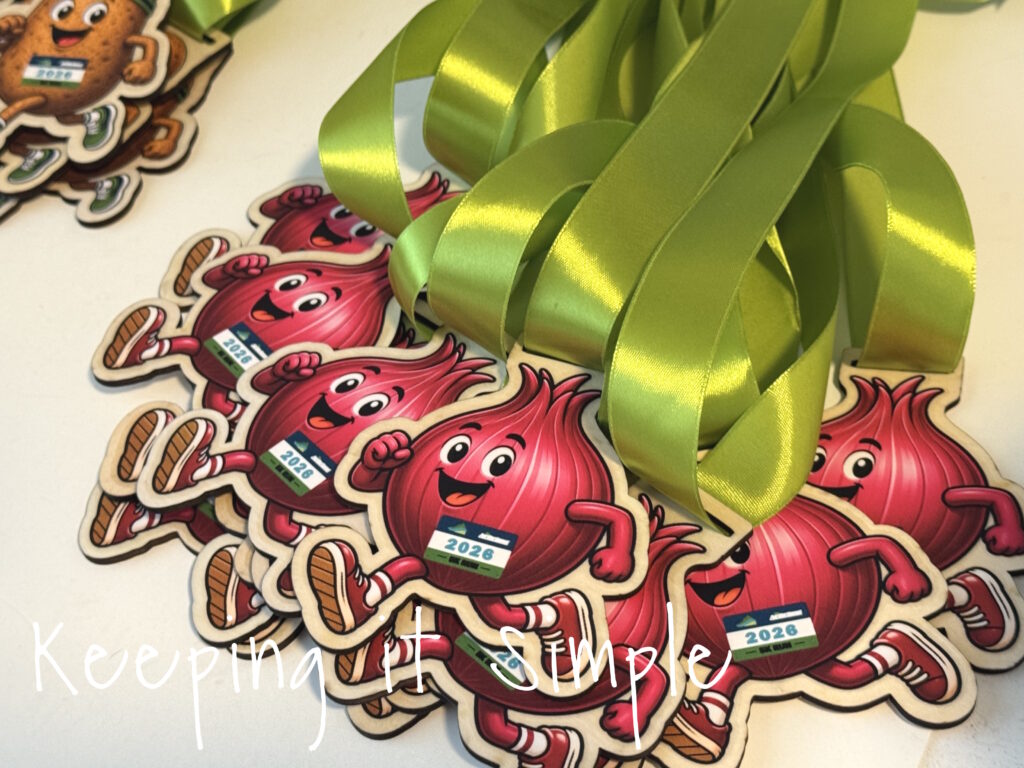
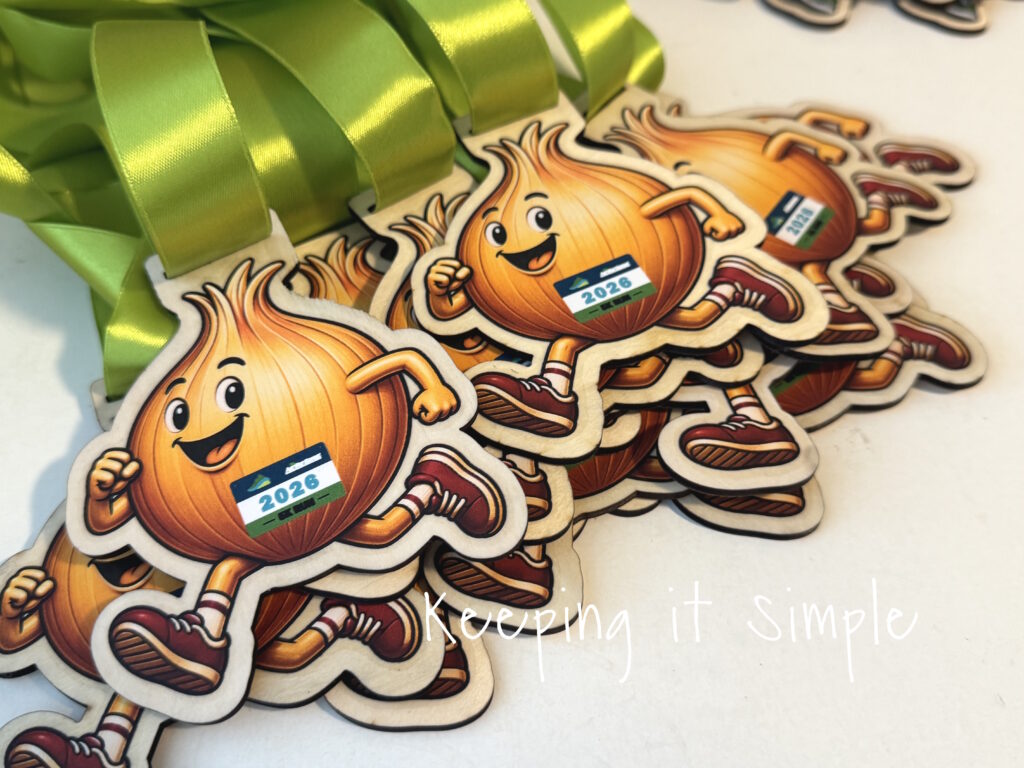
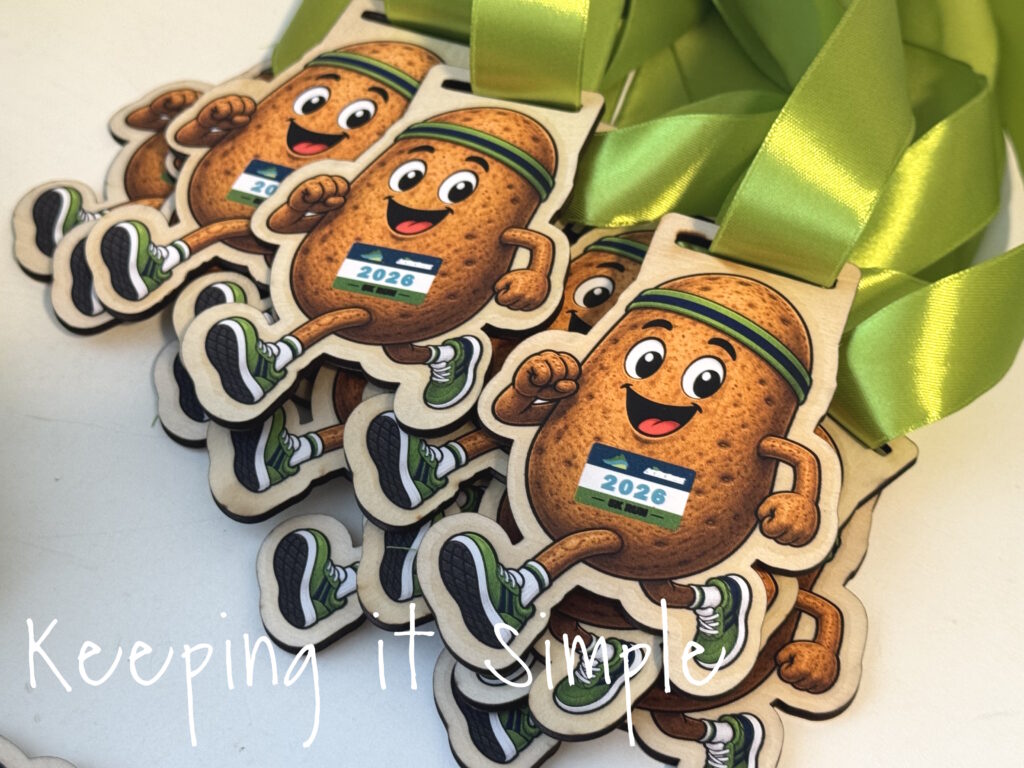
Here are all of the wooden medals cut out and engraved, along with the colorful fronts.
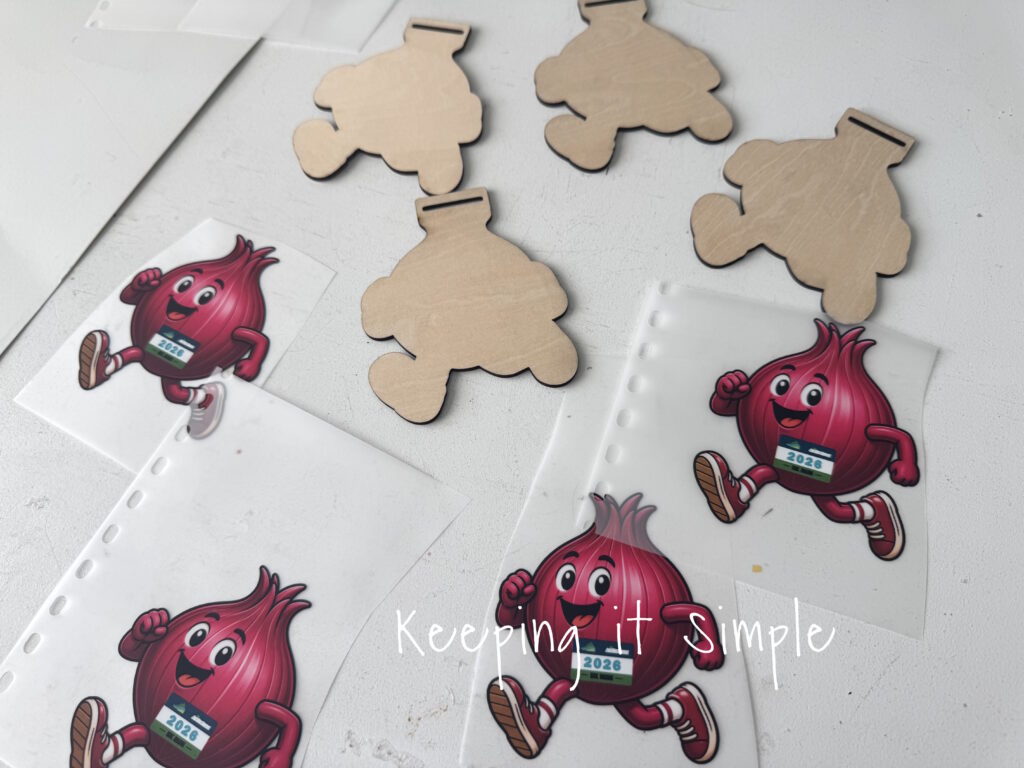
I worked with one design at a time, so I wouldn’t get things mixed up. Because the wood is cut backwards, the laser leaves little scorch marks on the front of the medals, so I took a little alcohol prep pad and wiped the soot away before adding the designs.
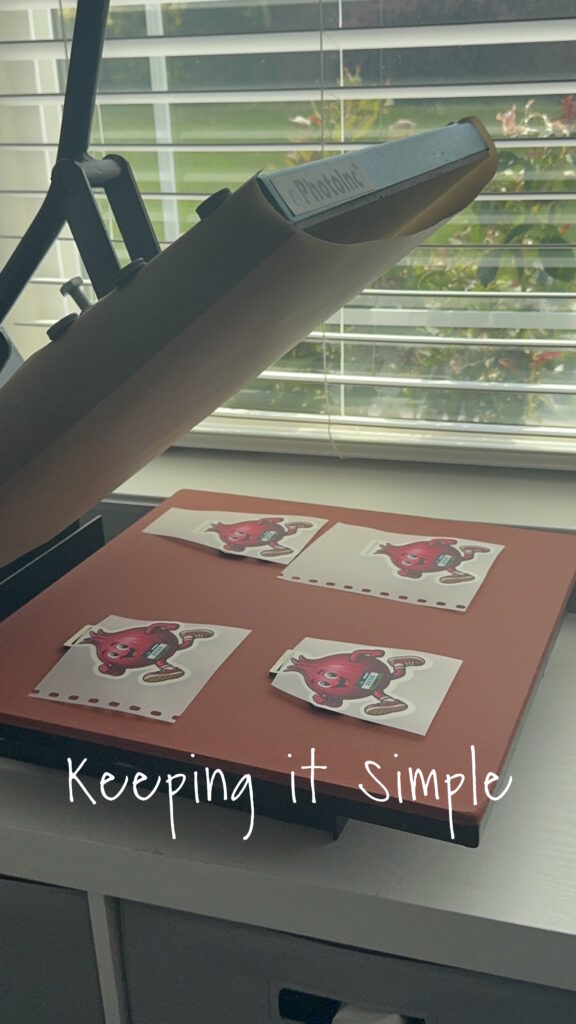
Then using my heat press, I pressed the DTF onto the wood. I placed a Teflon sheet on top of them, just to help keep the images in place. I pressed them for 15 seconds at 305 degrees.
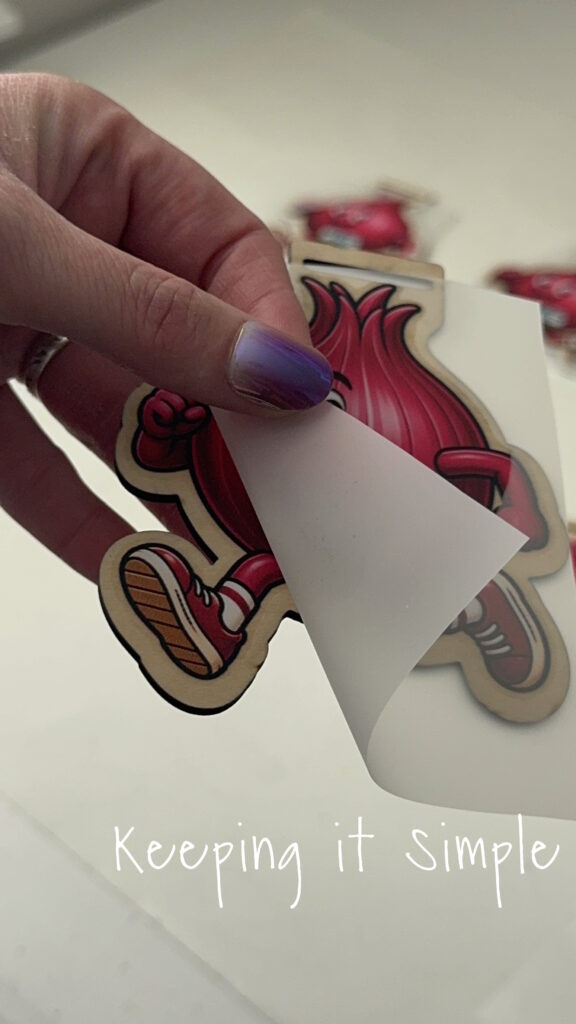
I then peeled back the film. I did NOT press them a second time because they did not need it and I worried about over heating the DTF on the wood.
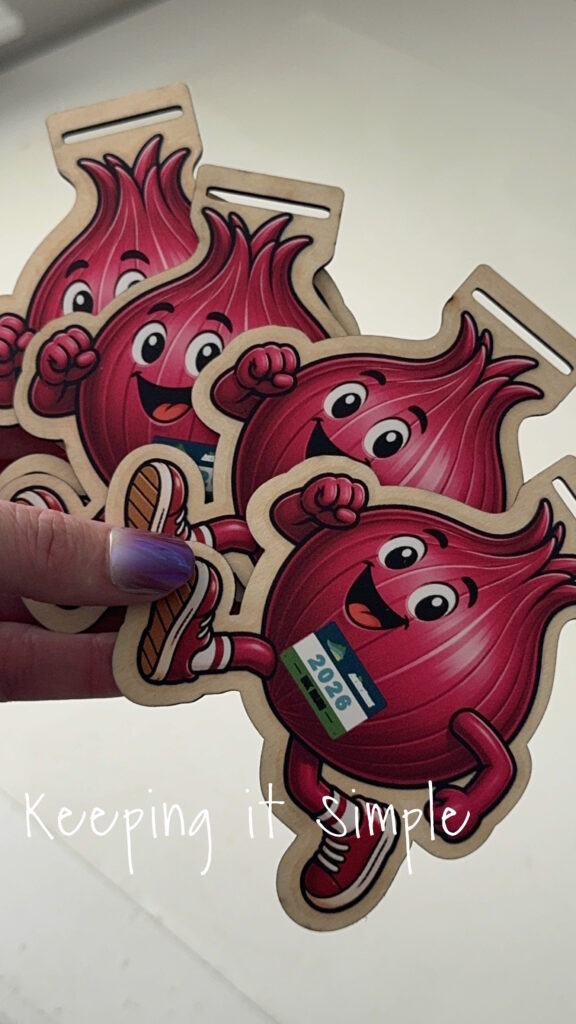
Don’t they look so good?!
Here are the other designs, I love how all of them turned out!
Now time for the ribbon. I found some nice 1 inch green ribbon that would work perfectly for these medals.
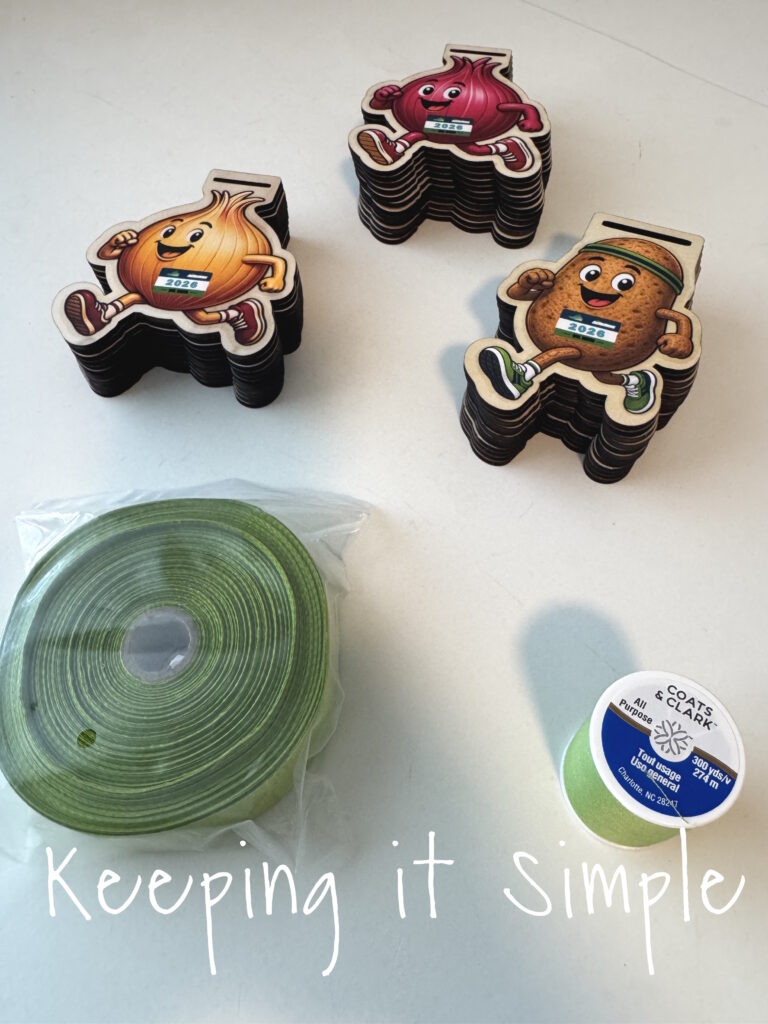
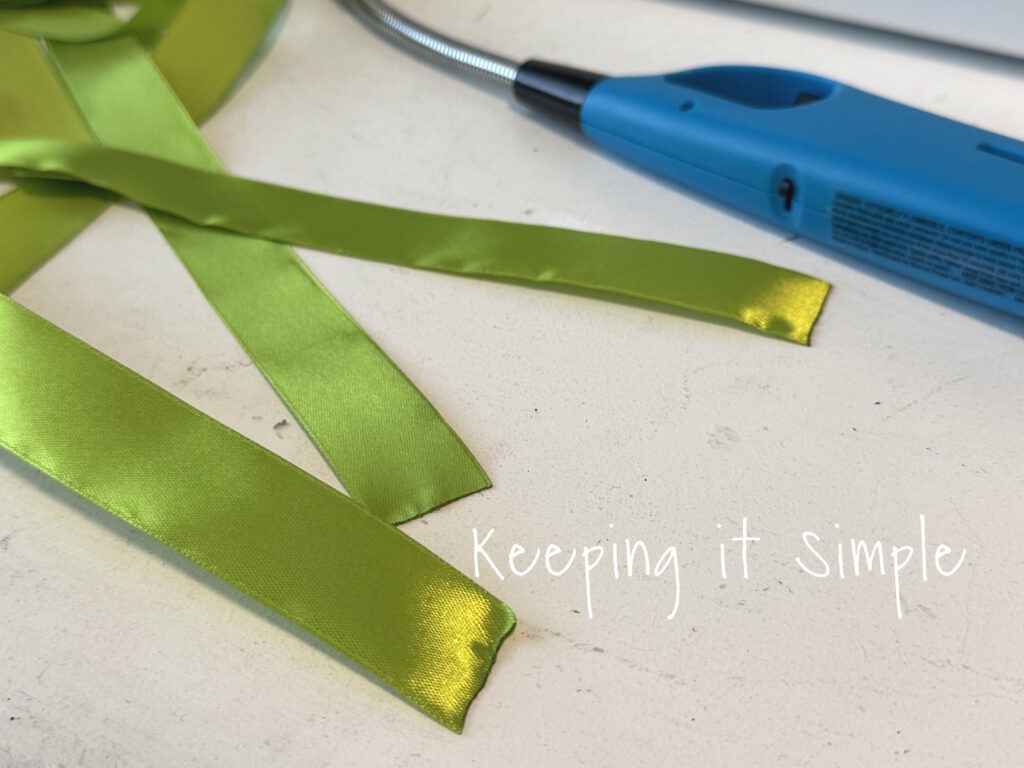
I cut the ribbon to be about 34-36 inches long. Then using a lighter, I burned the edges so the ribbon would not fray.
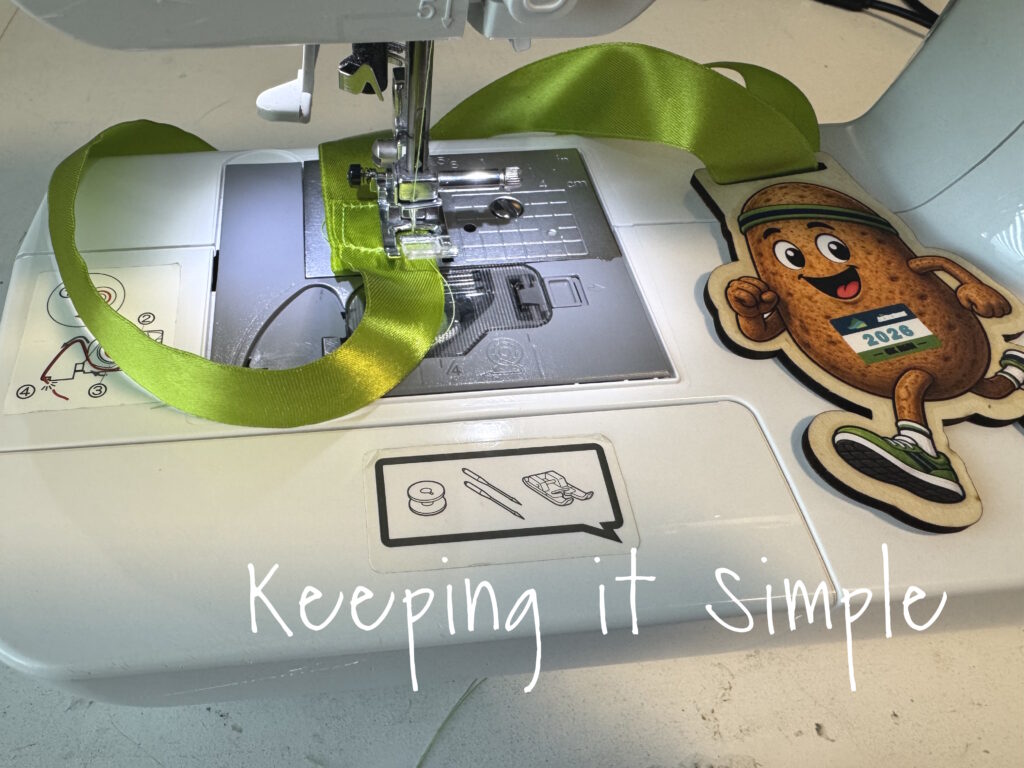
Then using green thread, I sewed the ribbon together. I overlapped the ribbon by about an inch.
And that’s it! Aren’t they so much fun?!
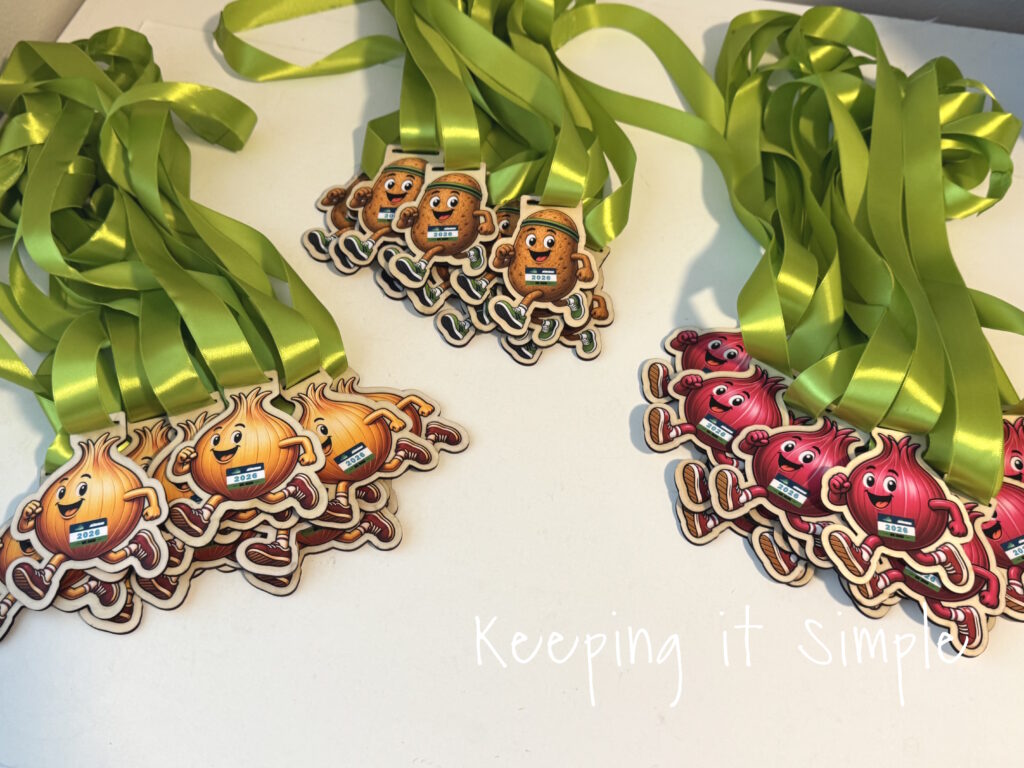
I love how these medals turned out! Combining the xTool S1 with my DTF apparel printer gave me the colorful, custom look I wanted while still keeping the process surprisingly simple.
This technique definitely isn’t limited to race medals. You could use the same idea to create colorful wooden awards, ornaments, bag tags, team gifts, keychains, and so much more. Once you start combining full-color prints with laser-cut wood, there are so many possibilities! This would also be a great project for the brand new xTool M2, a laser cutter than prints also!
Sometimes the best projects are the ones that look complicated but are actually pretty easy to make—and these colorful wooden medals were definitely one of those projects.
Check out all of my other xTool projects here.
This post contains affiliate links.
Leave a Reply
You must be logged in to post a comment.